









AI Overview
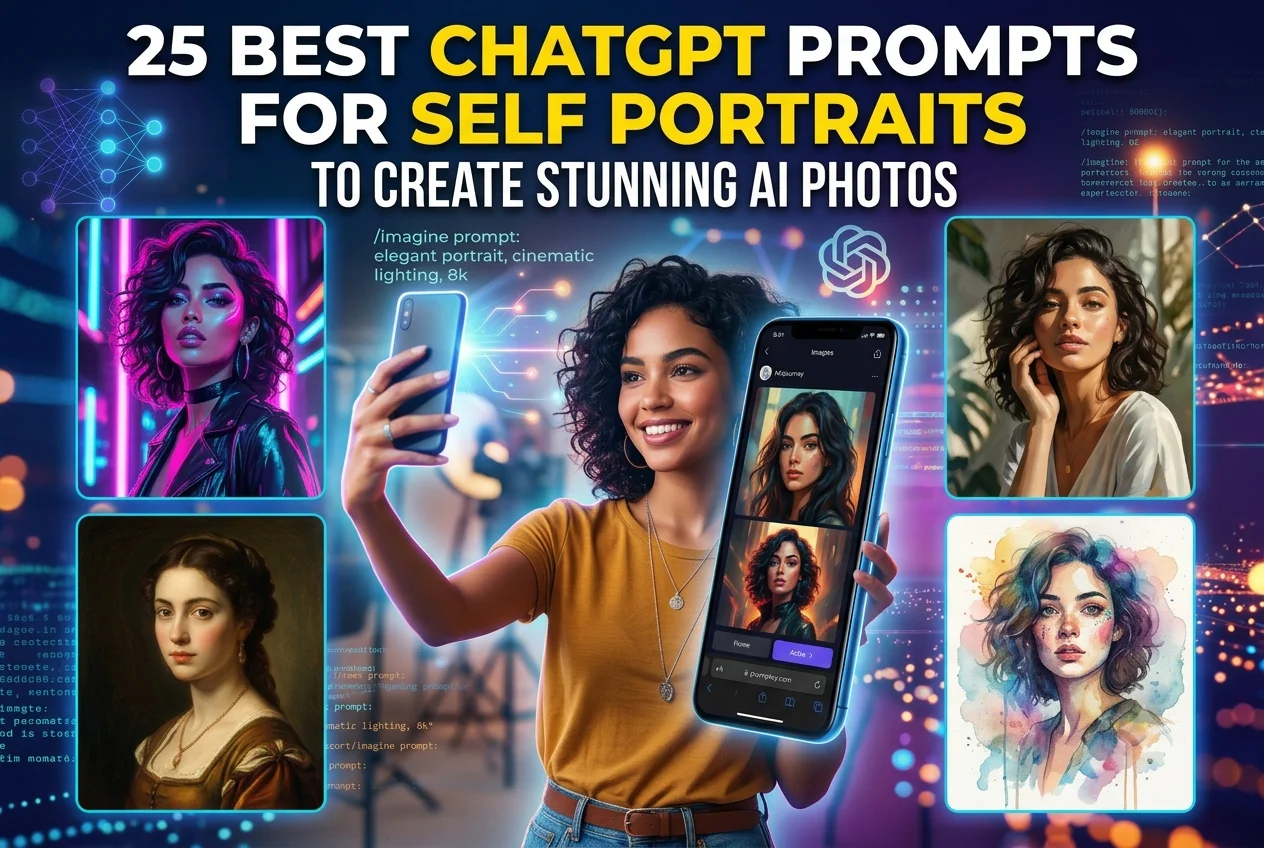
Generative AI tools like ChatGPT (GPT-4o/Images 2.5) now make creating studio-quality, photorealistic self-portraits effortless without expensive photography gear. By using structured prompts that combine facial details, clothing, lighting, background, and camera parameters, users can generate realistic AI photos while accurately preserving their original facial features. Uploading a clear front-facing source photo and applying targeted copy-paste prompts allows instant creation of professional LinkedIn headshots, artistic portraits, anime adaptations, retro photos, and aesthetic social media images.
Key Takeaways
- ChatGPT’s GPT-4o and Images 2.5 models preserve real facial geometry, skin textures, and natural depth of field without plastic-like smoothing.
- Following a simple prompt formula—Subject + Clothing + Lighting + Background + Camera Style + Aspect Ratio—ensures predictable, realistic outputs.
- Explicitly locking identity markers in the prompt ensures your AI-generated self-portrait looks exactly like your original reference photo.
- Reverse-prompting (image to prompt tags) allows you to extract lighting and style keywords from reference photos to reuse in custom prompts.
- The 25 copy-paste prompts cover 5 primary categories: Professional, Artistic/Editorial, Painted/Anime, Themed/Retro, and Social Media Aesthetics.
- Multi-turn editing works best when changing one detail at a time (like replacing a background) while keeping the core facial prompt unchanged.
- Setting exact platform aspect ratios like 1:1 for LinkedIn or 4:5 for Instagram ensures optimal formatting for every social profile.
Creating studio-quality AI self-portraits is easy when you know what to ask. With OpenAI’s GPT-4o and the Images 2.5 update, ChatGPT can keep your face looking like you while adding realistic lighting, smooth backgrounds, and clear camera focus.
You don’t need expensive cameras or professional photography lighting to build a strong personal brand, create a great LinkedIn headshot, or upgrade your social media profile. This guide gives you the best ChatGPT prompts for self portrait creation. Just copy, paste, and customize these prompts to get clean professional, cinematic, retro, and artistic photos.
What Makes a Great Self-Portrait Prompt? (The Easy Formula)
ChatGPT’s image generator works best when you give it clear, simple instructions. Typing a basic prompt like “make a handsome portrait of me” often gives fake, plastic-looking results. For realistic photos every time, use this simple formula:
Person Details + Clothing/Outfit + Lighting Style + Background + Camera Style + Aspect Ratio
| Element | Why It Helps | Simple Example |
| Person Details | Keeps your face looking real | “A front-facing photo of [YOUR PHOTO]…” |
| Clothing & Outfit | Sets the mood and style | “Wearing a sharp dark grey jacket…” |
| Lighting Style | Makes the photo look real and clear | “Soft window light from the side…” |
| Camera Style | Adds background blur and focus | “Shot on an 85mm lens, soft blurred background…” |
| Aspect Ratio | Fits your photo to the platform | “–ar 4:5” or “1:1 square” |
Combining these simple details helps you write the best chatgpt image prompts that avoid weird facial glitches or fake-looking skin.
How to Use These Prompts & Keep Your Face Looking Real
Keeping your exact face in the new image is the most important step. Follow these 4 easy steps:
- Upload Your Photo: Upload a clear, well-lit, front-facing picture of yourself to ChatGPT. Avoid heavy filters, dark glasses, or hidden faces.
- Copy & Paste the Prompt: Choose a prompt from this list and use your uploaded picture for the
[YOUR PHOTO]placeholder. - Change the Extra Details: Change words in brackets like
[outfit color]or[background]to match what you want. - Use “Image to Prompt Tags” (Reverse Prompting): If you like a style or pose from another photo, upload it to ChatGPT and ask: “Look at this photo and list its lighting, style, and colors into simple image to prompt tags.” You can then add those words to your prompt.
25 Copy-Paste ChatGPT Prompts for Self-Portraits
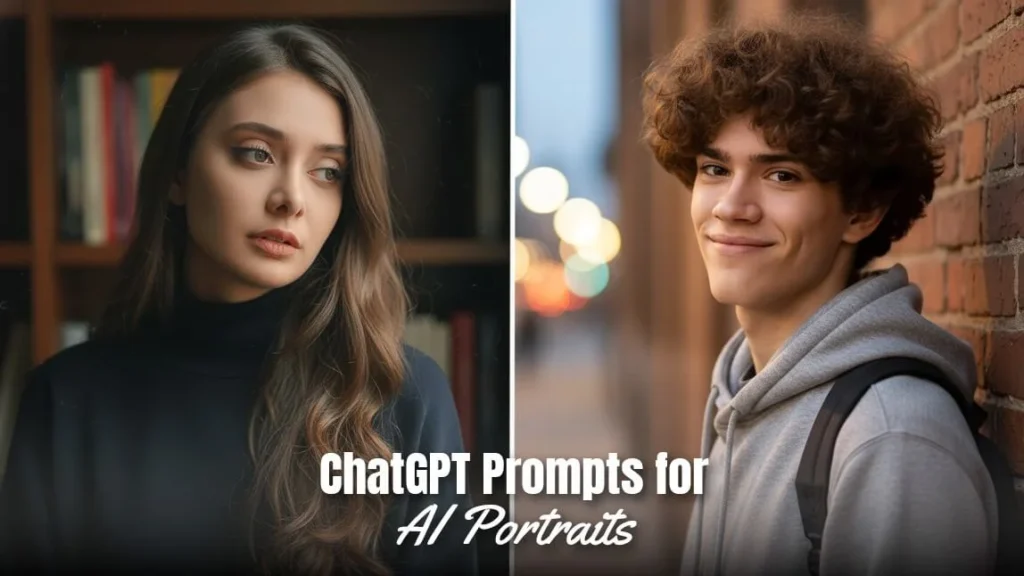
Here are 25 simple, tested prompts divided into 5 clear categories:
Category A: Professional & LinkedIn-Ready Self-Portraits
1. Corporate Headshot
- What it does: Makes a clean, polished studio headshot for work profiles and websites.
- Prompt:
Create a professional studio headshot based on [YOUR PHOTO]. Keep the exact facial features, skin tone, and hair looking natural. The person is wearing a neat navy blue jacket and a clean white shirt. Simple soft grey studio background. Soft light from the side with gentle light on the shoulders. Sharp focus on the eyes with a softly blurred background. High-quality professional profile style. –ar 1:1
- Pro Tip: Naming simple clothing items like a “navy blue jacket” helps the AI make realistic cloth patterns.
2. Executive / Founder Portrait
- What it does: Creates a strong yet friendly portrait for business owners and team leaders.
- Prompt:
An office portrait using the face from [YOUR PHOTO]. Keep the real facial features and natural skin details. The person is sitting in a modern office with large glass windows showing a soft city background. Outfit: a dark grey sweater or neat jacket. Warm evening light mixed with soft window light. Clear focus on the face, confident and friendly smile. –ar 4:5
- Pro Tip: Mixing glass windows, city views, and soft light gives a strong, professional look.
3. Creative Industry Profile Shot
- What it does: Gives a modern, relaxed studio look for designers, marketers, and creators.
- Prompt:
A modern and bright profile photo based on [YOUR PHOTO]. Keep the real face, natural eyes, and facial shape. The person is wearing a simple black turtleneck against a plain light wall. Natural window daylight from the side. Sharp focus on the facial features, clean and modern style. –ar 1:1
- Pro Tip: Bright, simple lighting reduces dark shadows for a fresh, modern look.
4. Outdoor Natural-Light Headshot
- What it does: Captures a fresh, friendly profile photo using warm morning sunlight.
- Prompt:
A professional outdoor headshot keeping the exact face from [YOUR PHOTO]. The person is dressed in smart casual clothes in a park with blurred green trees in the background. Warm morning sunlight coming from the side, creating soft highlights on the hair and face. Realistic skin texture with no fake smooth filter. –ar 4:5
- Pro Tip: Adding “no fake smooth filter” keeps the skin from looking plastic.
5. Medical / Clinical Trust Portrait
- What it does: Makes a clean, trustworthy portrait for doctors, nurses, and health workers.
- Prompt:
A warm and trustworthy professional portrait using the exact face from [YOUR PHOTO]. The person is wearing a clean white medical coat. A bright, modern clinic or office setting softly blurred in the background. Clean white and light blue colors, soft lighting, and a friendly, confident smile. –ar 1:1
- Pro Tip: Soft white and blue colors naturally build trust for health and wellness profiles.
Category B: Artistic & Editorial Self-Portraits
6. Magazine-Style Editorial Portrait
- What it does: Creates a stylish, high-fashion magazine layout photo.
- Prompt:
A stylish fashion magazine portrait using the face shape from [YOUR PHOTO]. The person is wearing a stylish jacket against a warm cloth background. Dramatic lighting with clear side shadows and a soft backlight separating the person from the background. Rich colors, subtle film texture, and high image sharpness. –ar 4:5
- Pro Tip: Using words like “magazine portrait” adds high sharpness and rich colors.
7. Black & White Fine-Art Portrait
- What it does: Creates a classic black-and-white photo focusing on light and shadows.
- Prompt:
A classic black and white studio portrait keeping the exact face from [YOUR PHOTO]. Strong lighting from one side, lighting up half the face while casting soft shadows on the other side. Clear details on skin texture, eyes, and hair. Dark matte black background, classic black and white photo feel. –ar 1:1
- Pro Tip: Black-and-white photos look best when you ask for strong side lighting.
8. Cinematic Film-Still Self-Portrait
- What it does: Gives a moody, movie-like photo frame capture.
- Prompt:
A movie-style photo keeping the face from [YOUR PHOTO]. The person is looking thoughtfully out a rainy window in the evening. Soft neon lights in blue and orange reflecting across the face. Soft misty background, widescreen view, warm movie lighting with natural film grain. –ar 16:9
- Pro Tip: Asking for blue and orange lights gives an instant Hollywood movie look.
9. Fashion Editorial Close-Up
- What it does: Makes a close-up beauty photo highlighting facial expression and details.
- Prompt:
A close-up beauty photo keeping the face details from [YOUR PHOTO]. Clear focus on the eyes, eyebrows, and cheeks. Soft light directly on the face with bright reflections in the eyes. Simple light background, super sharp focus on the face, high-quality makeup ad feel. –ar 4:5
- Pro Tip: Asking for “reflections in the eyes” makes AI-generated eyes look alive.
10. Moody Studio Side-Light Portrait
- What it does: Creates a dark, atmospheric photo with strong side lighting.
- Prompt:
A dark and moody portrait using the face from [YOUR PHOTO]. A single light source placed on one side creates deep shadows across the face. Dark background with warm details in the shadows. The person is wearing a dark sweater. Intimate and thoughtful mood. –ar 4:5
- Pro Tip: Darker portraits create great contrast that stands out on social media feeds.
Category C: Painted, Illustrated & Anime Styles
11. Oil Painting Self-Portrait
- What it does: Looks like a classic, hand-painted oil painting on canvas.
- Prompt:
A classic oil painting self-portrait keeping the clear face from [YOUR PHOTO]. Thick oil paint texture with visible brush strokes and small paint cracks. Warm colors with deep browns, warm reds, and gold highlights. Soft studio lighting inspired by classic art, dark wooden frame background. –ar 4:5
- Pro Tip: Asking for “visible brush strokes” removes the smooth AI digital look.
12. Watercolor Self-Portrait
- What it does: Creates a soft watercolor painting with light paint washes and soft colors.
- Prompt:
A delicate watercolor portrait keeping the face from [YOUR PHOTO]. Soft see-through paint washes, natural paint bleeds, and soft water spots around the edges. Textured watercolor paper background visible under the paint. Simple colors in soft blue, pale pink, and gold. Fine black ink lines outlining the face. –ar 1:1
- Pro Tip: Adding a paper texture makes the image look like a real hand-drawn painting.
13. Anime / Manga Character Version
- What it does: Turns your photo into a clean, modern anime character while keeping your look.
- Prompt:
An anime character portrait made accurately from the face and hair of [YOUR PHOTO]. Clean anime art style, bright expressive eyes with light reflections. Beautiful sunset sky background with city lights and soft clouds. Bright colors, sharp line art, high-resolution digital anime style. –ar 16:9
- Pro Tip: Anime styles work great when you ask for sunset sky backgrounds and light reflections in the eyes.
14. Comic Book Style Self-Portrait
- What it does: Recreates an 80s comic book drawing with bold outlines and dot shading.
- Prompt:
A classic comic book portrait using the face from [YOUR PHOTO]. Thick black ink outlines around the face. Small dot pattern textures for shadows and skin tones. Bright pop-art colors: strong yellow, red, and blue background. Old paper texture, dramatic shadows, classic comic book cover style. –ar 4:5
- Pro Tip: Dot pattern shading gives an authentic retro printed comic feel.
15. Line-Art / Ink Sketch Self-Portrait
- What it does: Makes a clean, minimal black-and-white ink pen drawing.
- Prompt:
A simple line-art ink sketch using the face from [YOUR PHOTO]. Draw with a single black ink pen on off-white paper. Clean outlines with simple shading under the chin and eyes for depth. No colored fills, simple black and white design, elegant fine-art style. –ar 1:1
- Pro Tip: Simple line art makes great profile pictures and social media avatars.
Category D: Themed & Era Self-Portraits
16. Renaissance-Era Portrait
- What it does: Creates an old-style 16th-century royal portrait with rich clothing.
- Prompt:
An old 16th-century portrait using the face shape from [YOUR PHOTO]. The person is wearing heavy velvet and silk clothes with a lace collar. Dark background with distant misty mountains. Warm candle-style lighting, deep emerald green, red, and gold colors. Classic wood panel painting texture. –ar 4:5
- Pro Tip: Warm candle lighting adds a natural classic feel to older portrait styles.
17. 90s Retro Film Photo
- What it does: Recreates the look of a 1990s flash camera photo with grain.
- Prompt:
A 1990s flash photo using the face from [YOUR PHOTO]. Direct camera flash lighting with a shadow on the wall behind the person. Casual vintage street clothes. Real film look: small red date-stamp in the bottom corner, soft film grain, natural snapshot feel. –ar 4:5
- Pro Tip: Direct flash and a corner date stamp give an instant 90s photo feel.
18. Cyberpunk / Futuristic Self-Portrait
- What it does: Places you in a futuristic, neon-lit sci-fi city at night.
- Prompt:
A futuristic self-portrait keeping the face structure from [YOUR PHOTO]. The person is wearing dark modern clothes with glowing neon light edges. Background is a rainy future city at night with glowing pink and blue signs. Soft glowing details on the face, bright neon lights, cinematic style. –ar 16:9
- Pro Tip: Pink and blue neon lights work best for glowing future city scenes.
19. Royal / Regal Portrait
- What it does: Creates a king or queen style portrait in a grand hall.
- Prompt:
A grand royal portrait based on [YOUR PHOTO]. The person is wearing royal clothes with gold patterns and a deep velvet cape. Background shows a grand palace hall with marble pillars and warm light softly blurred. Warm lighting from high chandeliers, strong and elegant posture. –ar 4:5
- Pro Tip: Marble pillars and gold patterns make royal styles look rich and complete.
20. Vintage Travel Poster Self-Portrait
- What it does: Turns your photo into a 1950s travel poster illustration.
- Prompt:
A 1950s travel poster illustration using the face from [YOUR PHOTO]. Simple flat art style with print texture. The person is wearing retro sunglasses, looking out at a sunny seaside view. Warm sun-faded colors: yellow, brown, blue, and cream. Classic art frame. –ar 4:5
- Pro Tip: Simple flat colors mixed with sun-faded shades create a classic vintage poster look.
Category E: Social Media & Aesthetic Self-Portraits
21. Instagram Aesthetic Golden-Hour Selfie
- What it does: Uses warm sunset lighting to create a popular social media selfie.
- Prompt:
A golden hour selfie based on [YOUR PHOTO]. Natural sun flare catching the edge of the hair, warm golden light on the face. Soft natural background (a beach or outdoor cafe), casual summer outfit. Smartphone camera style, natural skin details, zero fake smooth filters, warm sun-kissed color tone. –ar 4:5
- Pro Tip: Warm sunset sun flares make casual social media photos look instantly better.
22. Y2K / Vaporwave Self-Portrait
- What it does: Taps into an early-2000s colorful digital style with neon lights.
- Prompt:
An early 2000s style portrait keeping the face from [YOUR PHOTO]. Bright pink and blue lights from both sides, shiny clothing reflections. Retro future background with grid patterns, glowing sunset colors, and metallic shapes. Old computer screen lines and retro filter effect. –ar 1:1
- Pro Tip: Bright pink and blue side lights are key to the 2000s digital look.
23. Minimalist Pastel Studio Selfie
- What it does: Creates a clean, simple photo with soft colors and soft shadows.
- Prompt:
A simple pastel studio portrait using the face from [YOUR PHOTO]. Soft plain background in light green or soft beige. The person is wearing matching relaxed linen clothes. Soft shadows from a plant cast across the background. Even, soft light, clean matte finish, modern style. –ar 4:5
- Pro Tip: Light pastel backgrounds work great for matching social media themes.
24. Streetwear Urban Self-Portrait
- What it does: Gives a modern, casual street photo set in the city.
- Prompt:
A street fashion portrait using the face from [YOUR PHOTO]. The person is wearing an oversized modern hoodie, standing on a city street with modern buildings. Natural daylight mixed with city reflections. Low angle view, natural street style photo. –ar 4:5
- Pro Tip: Taking the photo from a low angle gives a strong, casual street style.
25. Dreamy Soft-Focus Self-Portrait
- What it does: Creates a soft, romantic photo with light glow effects.
- Prompt:
A dreamy soft-focus portrait keeping the face from [YOUR PHOTO]. Soft light glow around the edges. The person is surrounded by light morning mist or soft flowers. Soft pale colors, blurred background, romantic dream-like mood. –ar 4:5
- Pro Tip: Asking for “light glow around the edges” creates a dreamy, soft photo look.
5 Easy Tips for Better ChatGPT Self-Portraits
To avoid errors and keep your face looking like you, follow these 5 easy rules:
- Use Clear Source Photos: Always upload a clear, bright picture of your face with direct light and no sunglasses or heavy filters.
- Tell ChatGPT to Keep Your Face: Always include this simple line: “Keep the exact face shape, eyes, nose, and skin tone from [YOUR PHOTO]”.
- Change One Thing at a Time: If you want to change something in a new photo, change only one detail (like the background) instead of rewriting the whole prompt.
- Set Your Photo Shape: Put the shape code at the end of your prompt (
1:1for square profile pics,4:5for social media posts,16:9for wide banners). - Add Simple Camera Details: Simple words like “85mm lens”, “soft blurred background”, or “film grain” stop the AI from making smooth, plastic-looking faces.
Boost Your Digital Skills with Digimastreys
Learning AI image generation is a great step for personal branding and modern digital skills. Along with writing clear prompts, understanding content creation and online growth helps you stay ahead.
At Digimastreys, we share easy, step-by-step guides on digital skills and online marketing strategies. Whether you want to master AI prompts, create social media content, or learn search visibility, Digimastreys provides simple guides to help you succeed.
Key Takeaway
Getting great AI self-portraits comes down to telling ChatGPT to lock your face, setting simple lighting, and choosing your background style. Using these best ChatGPT prompts for self portrait ideas lets you create clean, eye-catching profile photos in seconds.
FAQS
What is ChatGPT Images 2.5?
ChatGPT Images 2.5 is OpenAI’s latest image-generation and image-editing model in ChatGPT, with improvements to detail, editing precision, reference preservation and generation speed.
Can ChatGPT Images 2.5 edit existing photos?
Yes. Upload an image and describe the change. You can also target areas with the editor or make the edit conversationally.
How to create an AI prompt from a photo?
Creating an AI prompt from a photo (also called reverse prompting) is simple. Upload your reference image to an AI tool like ChatGPT (GPT-4o), Midjourney, or Google Gemini, and ask the AI to analyze its visual elements.
What is the best prompt structure?
State the purpose, subject, composition, environment, lighting, style and constraints. For edits, explicitly identify what changes and what stays fixed.
Can ChatGPT Images 2.5 create logos?
Yes. Describe the brand, concept and visual direction. For an existing logo, upload it and explicitly request that the asset remain unchanged.
Can ChatGPT Images 2.5 add text to images?
Yes. Provide the exact wording and specify placement, size hierarchy, alignment and contrast.
How should I make multi-turn edits?
Make one focused change per turn and state which existing details must remain unchanged.
Vikas Verma is an SEO specialist and web designer focused on SEO strategy, website design, and digital experiences.