








A social media content calendar is a planned schedule that shows what you will post, where you will post it, and when it will go live. Instead of deciding every morning what to share, you plan your posts weeks or months ahead in one place, like a spreadsheet, a calendar app, or a scheduling tool. It helps businesses stay consistent, save time, keep their brand voice the same across platforms, and connect every post to a real goal like traffic, leads, or sales. A good calendar includes the date, platform, content type, caption, visuals, links, and the person responsible. Most businesses can build a working one in a single afternoon and improve it every month using performance data.
- A content calendar is your posting plan: what, where, when, and who.
- It solves the biggest social media problem, which is inconsistency.
- Start with goals and audience before you pick dates.
- Use content pillars so you never run out of post ideas.
- A simple spreadsheet works fine; tools help once you scale.
- Plan monthly, schedule weekly, review results every month.
- Connect social posts with your blog and SEO for long term traffic.
What Is a Content Calendar? (Simple Explanation)
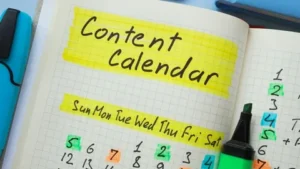
Think of a content calendar like a school timetable. A timetable tells you which subject comes on which day. A content calendar tells you which post goes on which platform on which day.
A content calendar is a broader plan that can include blog posts, emails, videos, and social posts. A social media calendar is the part that focuses only on platforms like Instagram, Facebook, LinkedIn, X, YouTube, and Pinterest.
Both work on the same idea: plan first, post later.
What a Social Media Calendar Usually Includes
- Posting date and time
- Platform (Instagram, LinkedIn, Facebook, etc.)
- Content format (reel, carousel, story, text post, video)
- Topic or content pillar
- Caption and hashtags
- Visual or design file link
- Call to action and URL
- Status (idea, in design, approved, scheduled, published)
- Owner (who is creating it)
Before you start planning dates, it helps to understand the basics of social media marketing and which platforms suit your type of business.
Why Every Business Needs a Social Media Content Calendar
Many businesses post a lot for two weeks, then go silent for a month. Followers forget them, and the algorithm stops showing their posts. A calendar fixes this.
The Real Benefits of Content Planning
- Consistency: You post regularly, even during busy weeks.
- Time saving: Creating 10 posts in one sitting is faster than creating one post 10 times.
- Better quality: You get time to review captions, check spelling, and improve designs.
- Clear goals: Every post has a purpose instead of being random.
- Team clarity: Everyone knows what is due and who is doing it.
- Fewer missed moments: Festivals, sales, product launches, and holidays are planned in advance.
- Easy reporting: You can see which content types actually work.
Social media is still where people spend a huge part of their online time. Pew Research Center’s social media fact sheet tracks how widely adults use different platforms, which is a good reminder that your audience is already there. The question is only whether you show up consistently.
Life Without vs With a Content Calendar
| Area | Without a Calendar | With a Calendar |
| Posting frequency | Random, depends on mood and time | Fixed and predictable |
| Daily effort | “What should I post today?” stress | Already decided, just publish |
| Content quality | Rushed captions, last minute designs | Reviewed and polished |
| Brand voice | Changes from post to post | Same tone everywhere |
| Results tracking | Hard to see patterns | Easy to compare and improve |
| Team work | Confusion and missed deadlines | Clear owners and due dates |
How to Create a Content Calendar for Social Media (Step by Step)
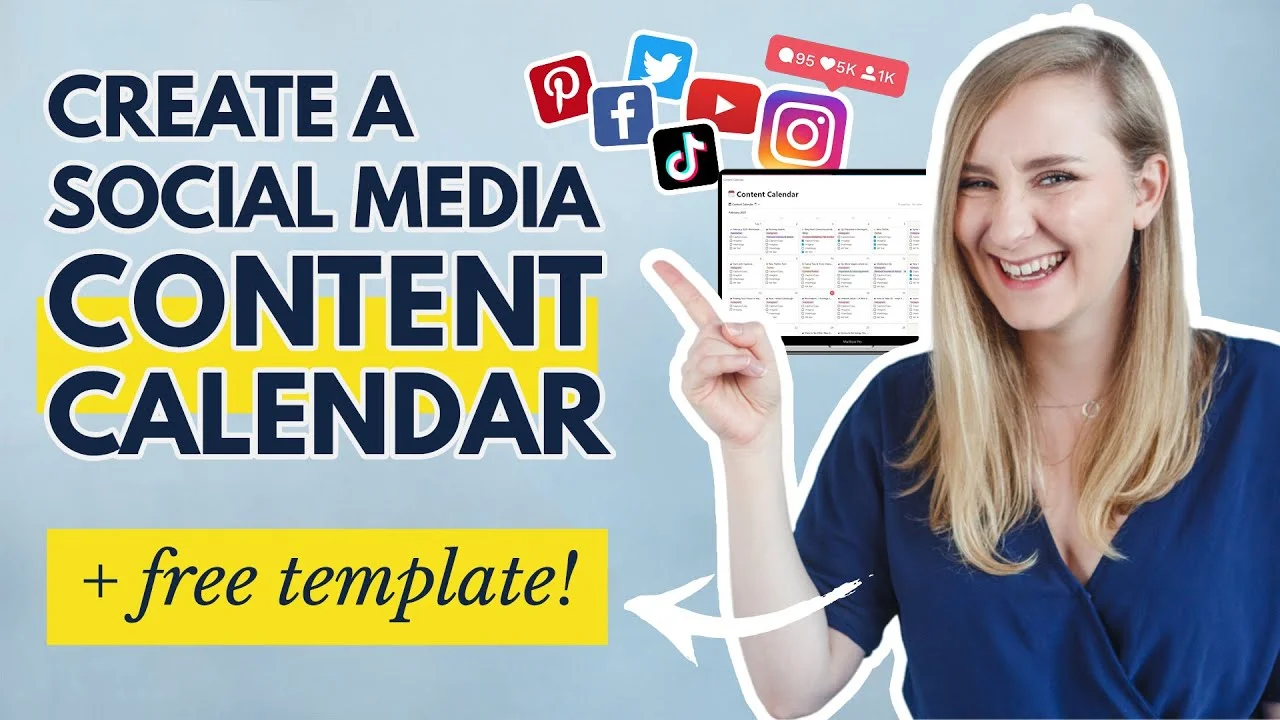
Here is the exact process you can follow, even if you have never planned content before.
Step 1: Set Clear Goals for Your Social Media
Before choosing dates, decide what you want from social media. Common goals are:
- Brand awareness (more people knowing you exist)
- Website traffic (people clicking to your blog or product pages)
- Leads (people filling forms, calling, or messaging)
- Sales (direct purchases)
- Community (loyal followers who engage and share)
Pick one main goal and one secondary goal. Too many goals make your content confusing.
Step 2: Understand Your Audience
Ask yourself three simple questions:
- Who are they? (age, job, location, interests)
- What problems do they have that you can solve?
- Which platforms do they actually use?
A B2B software company will usually get more value from LinkedIn. A bakery or clothing brand will often do better on Instagram and Facebook. Do not try to be everywhere on day one.
Your brand personality also shapes how your posts sound. Choosing the right brand archetype makes it much easier to decide whether your captions should feel friendly, expert, bold, or playful.
Step 3: Audit Your Current Content
Look at your last 30 to 90 days of posts and note:
- Which posts got the most engagement
- Which formats worked best (reels, carousels, images)
- Which posting times got better reach
- Which posts brought website clicks
This tells you what to repeat and what to drop.
Step 4: Choose Your Content Pillars
Content pillars are 3 to 5 main themes you always post about. They stop you from running out of ideas.
For example, a digital marketing agency could use:
- Educate: SEO tips, how-to guides, quick tutorials
- Prove: Case studies, client results, reviews
- Engage: Polls, questions, trends, memes
- Behind the scenes: Team, office, work process
- Promote: Services, offers, free audits
A good mix is roughly 80% helpful or entertaining content and 20% direct promotion. People follow brands that help them, not brands that only sell.
Step 5: Decide Platforms and Posting Frequency
Be realistic. Posting three strong posts a week is better than seven weak ones.
| Platform | Best Content Formats | Suggested Starting Frequency | Best For |
| Reels, carousels, stories | 3 to 5 posts per week + daily stories | B2C brands, visual products | |
| Videos, images, community posts | 3 to 5 posts per week | Local businesses, older audiences | |
| Text posts, documents, articles | 2 to 4 posts per week | B2B, services, personal branding | |
| X (Twitter) | Short updates, threads | 1 to 3 posts per day | News, tech, real time talks |
| YouTube | Long videos, Shorts | 1 long video + 2 to 3 Shorts per week | Tutorials, reviews, education |
| Pins, idea pins | 5 to 10 pins per week | DIY, fashion, food, home decor |
These are starting points, not fixed rules. Your own data in Step 8 will tell you what works best for your audience.
Step 6: Pick Your Calendar Tool or Template
You do not need expensive software to start.
- Google Sheets or Excel: Free, flexible, easy to share
- Google Calendar or Notion: Good visual view of the month
- Trello or Asana: Great for teams with approval steps
- Scheduling tools (Meta Business Suite, Buffer, Hootsuite, Later): Let you schedule posts to publish automatically
Start with a sheet. Move to a tool when you are managing multiple platforms or a team.
Step 7: Fill In Your Calendar and Batch Create Content
Now plan a full month. Follow this order:
- Add fixed dates first: holidays, festivals, product launches, sales, events
- Spread your content pillars across the week
- Write captions in bulk on one day
- Design visuals in bulk on another day
- Schedule everything for the next 1 to 2 weeks
This method is called batching, and it saves hours every week.
If writing captions slows you down, an AI prompt generator can give you hooks and caption ideas in seconds. Just edit them so they sound like your brand.
Step 8: Track, Review, and Improve Every Month
At the end of each month, check:
- Reach and impressions
- Engagement rate (likes, comments, shares, saves)
- Link clicks and website traffic
- Follower growth
- Leads or sales from social
Keep what works, drop what does not, and adjust next month’s calendar. A content calendar is a living plan, not a one time document.
Content Calendar Template: What Columns to Include
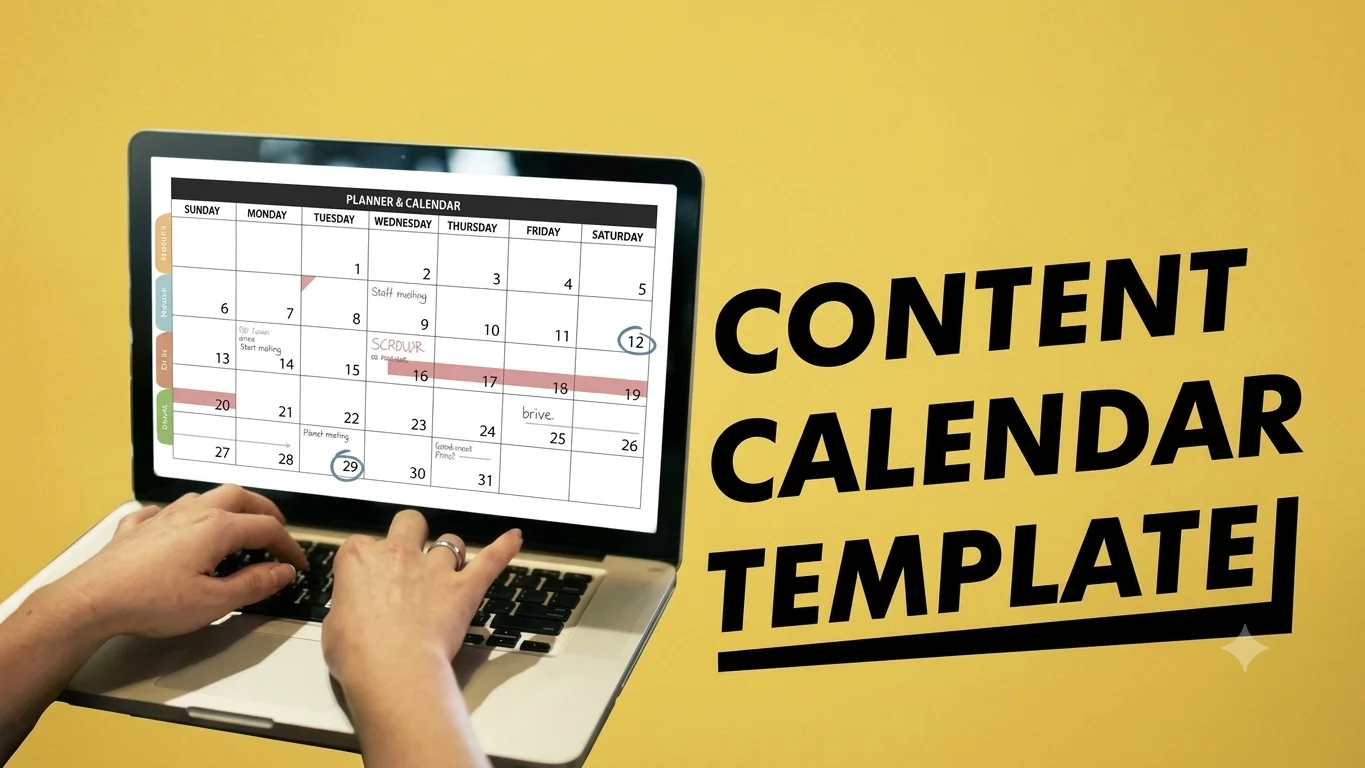
Here is a simple content calendar template structure you can copy into Google Sheets today:
| Date | Platform | Pillar | Format | Topic / Hook | Caption | Visual Link | CTA + URL | Owner | Status |
| 1 Nov | Educate | Carousel | 5 SEO mistakes small businesses make | Draft | Canva link | Read blog | Riya | In design | |
| 2 Nov | Prove | Text post | Client traffic growth story | Draft | Chart image | Book audit | Aman | Approved | |
| 3 Nov | Engage | Poll | Which platform brings you more customers? | Ready | None | Comment | Riya | Scheduled |
Tips to Make Your Template Work Better
- Use colour codes for status (for example, grey for idea, yellow for in progress, green for scheduled)
- Add a separate tab for “Content Ideas” so random ideas do not get lost
- Add a tab for monthly results so data stays next to the plan
- Keep links to final designs inside the sheet so nobody hunts for files
How Do Companies Create a Post Calendar for SEO?
This is where many businesses miss a big opportunity. Social media and SEO work best together.
Smart companies plan their social calendar around their blog and website content, not separately. Here is how they do it:
Start With Keyword Research
They first find topics people are searching for on Google. Each blog post targets a keyword, and the social calendar is then built to promote those blogs.
Turn One Blog Into Many Social Posts
One strong blog post can become:
- 3 to 5 carousel slides with key tips
- 2 short reels or Shorts explaining one idea each
- 1 LinkedIn text post with a personal angle
- 1 poll or question post
- Several quote graphics
This is called content repurposing, and it keeps your calendar full without new research every day.
Align Social Posts With Search Intent
If a blog answers “what is a content calendar,” the social post should answer the same question quickly and then link to the full guide. This sends relevant traffic to the website, which supports your SEO goals.
Think About AI Search Too
Search is changing. Google AI Overviews, ChatGPT, and other AI tools now answer questions directly. Brands that publish clear, helpful, well structured content get mentioned more often. Google’s own guidance on creating helpful, reliable, people first content explains what kind of content it wants to reward.
This shift is why many brands now look beyond classic SEO and also plan for GEO and AEO, so their content can be picked up by AI tools as well as search engines.
How to Create a Social Media Marketing Schedule That Actually Works
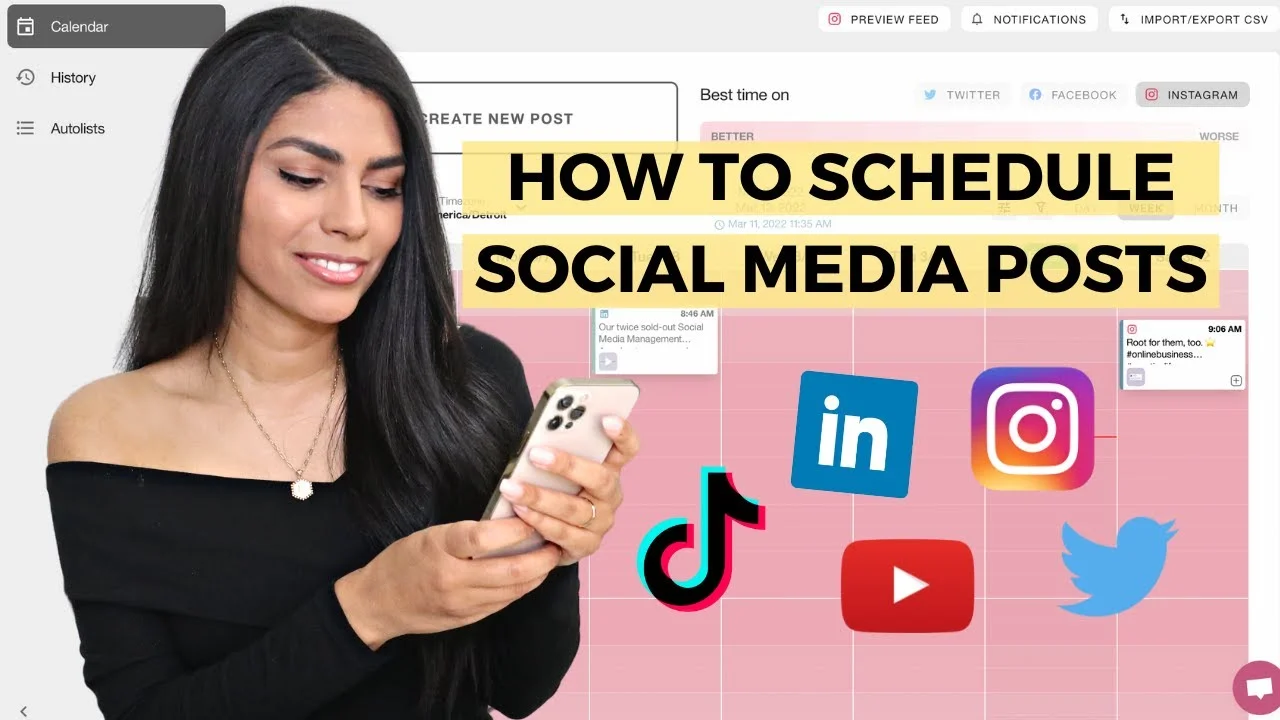
A content calendar shows what to post. A social media marketing schedule shows when and how often. Here is a simple weekly schedule example for a small business:
- Monday: Educational tip (carousel or short video)
- Tuesday: Behind the scenes story
- Wednesday: Blog promotion with link
- Thursday: Customer review or case study
- Friday: Engagement post (poll, question, trend)
- Weekend: Light content, stories, or offers
Finding the Best Time to Post
There is no single perfect time for everyone. Instead:
- Check your platform insights for when followers are online
- Test different time slots for 2 to 4 weeks
- Keep the slots that give better reach and engagement
Industry guides like Hootsuite’s guide to social media content calendars also share general benchmarks, but your own audience data always matters most.
Common Content Calendar Mistakes to Avoid
- Planning too far ahead in detail: Plan themes for the quarter, but details only for the next month. Trends change fast.
- Ignoring real time moments: Leave 10 to 20% space for trending topics and news.
- Only promoting: Too many sales posts reduce engagement.
- Copy pasting the same post everywhere: Each platform has its own style. Adjust captions and sizes.
- Never checking results: Without review, you repeat mistakes.
- No backup content: Keep a few evergreen posts ready for busy weeks.
Expert Tips to Make Your Social Media Calendar More Powerful
Use AI Smartly, Not Blindly
AI tools can help you brainstorm ideas, write first drafts of captions, and create hooks. But they work best as a starting point. A few well written ChatGPT prompts can speed up brainstorming, while the final post should always carry your own examples and tone.
Keep an Evergreen Content Bank
Save 15 to 20 posts that never go out of date, like tips, FAQs, and how-to guides. Use them when you have a gap in your calendar.
Plan Around Your Sales Cycle
If your busy season is December, start building awareness content in October and promotional content in November.
Review Quarterly, Not Just Monthly
Every three months, look at the bigger picture. Are your pillars still right? Is one platform clearly better than others? Adjust your strategy, not just your posts.
How Digimastreys Helps Businesses Grow With Smart Content Planning
At Digimastreys, we help businesses connect social media, SEO, and AI search into one clear growth plan. Instead of posting randomly and hoping for results, we build content strategies backed by keyword research, audience insights, and performance data.
Whether you need help planning a content calendar, improving your search visibility, or getting your brand mentioned in AI answers, Digimastreys shares practical guides and strategies that are easy to apply, even if you are not a marketing expert. Explore more guides on the Digimastreys blog and start building content that brings real traffic.
Bottom Line
A social media content calendar turns random posting into a clear, repeatable system. Start with your goals and audience, pick 3 to 5 content pillars, choose realistic platforms, and build a simple monthly plan in a spreadsheet. Batch your content, schedule it ahead, and review results every month. When you connect your calendar with your blog and SEO strategy, every post works harder for your business. You do not need a big team or expensive tools to begin. You just need a plan, and today is the best day to build one.
Frequently Asked Questions (FAQs)
What is a social media content calendar?
A social media content calendar is a planned schedule of posts that shows the date, platform, content type, caption, and visuals for each post. It helps businesses post consistently and stay organised.
What is the difference between a content calendar and a social media calendar?
A content calendar can cover all content, including blogs, emails, and videos. A social media calendar focuses only on posts for social platforms like Instagram, Facebook, and LinkedIn.
How far in advance should I plan my social media content?
Most businesses plan one month in detail and keep a rough theme plan for the next three months. This gives structure while leaving room for trends.
What is the best free content calendar template?
Google Sheets is one of the best free options. Create columns for date, platform, pillar, format, topic, caption, visual link, CTA, owner, and status.
How many times should a business post on social media?
It depends on the platform and your resources. A good starting point is 3 to 5 posts per week on Instagram and Facebook, and 2 to 4 posts per week on LinkedIn. Consistency matters more than volume.
Can a social media calendar help with SEO?
Yes. When you plan social posts around your blog keywords and link back to your website, you drive relevant traffic and build brand visibility. For local and small businesses, pairing this with answer engine optimisation also improves the chance of showing up in AI answers.

Vikas Verma is an SEO specialist and web designer focused on SEO strategy, website design, and digital experiences.