








Opening Google Search Console (GSC) and encountering a wall of red 404 error notifications can instantly trigger panic for website owners and SEO managers. The immediate reaction is usually an urgent effort to “fix” every single missing URL, driven by the fear of algorithmic penalties or dropped domain authority.
However, Google official Gary Illyes and Search Advocate Cherry Sireetorn Prommawin recently clarified an important reality: 404 status codes are a completely normal part of the web ecosystem, not an SEO failure.
The Truth About 404 Status Codes in Google Search
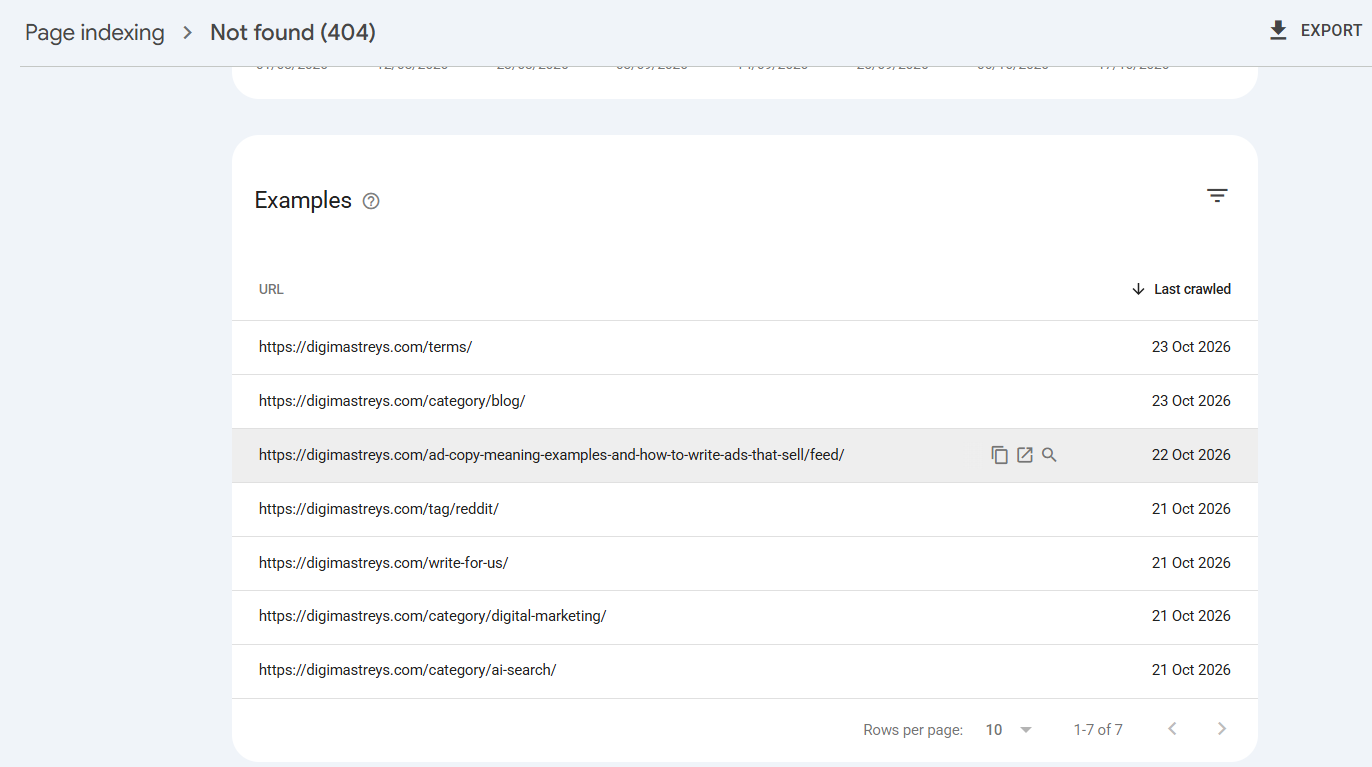
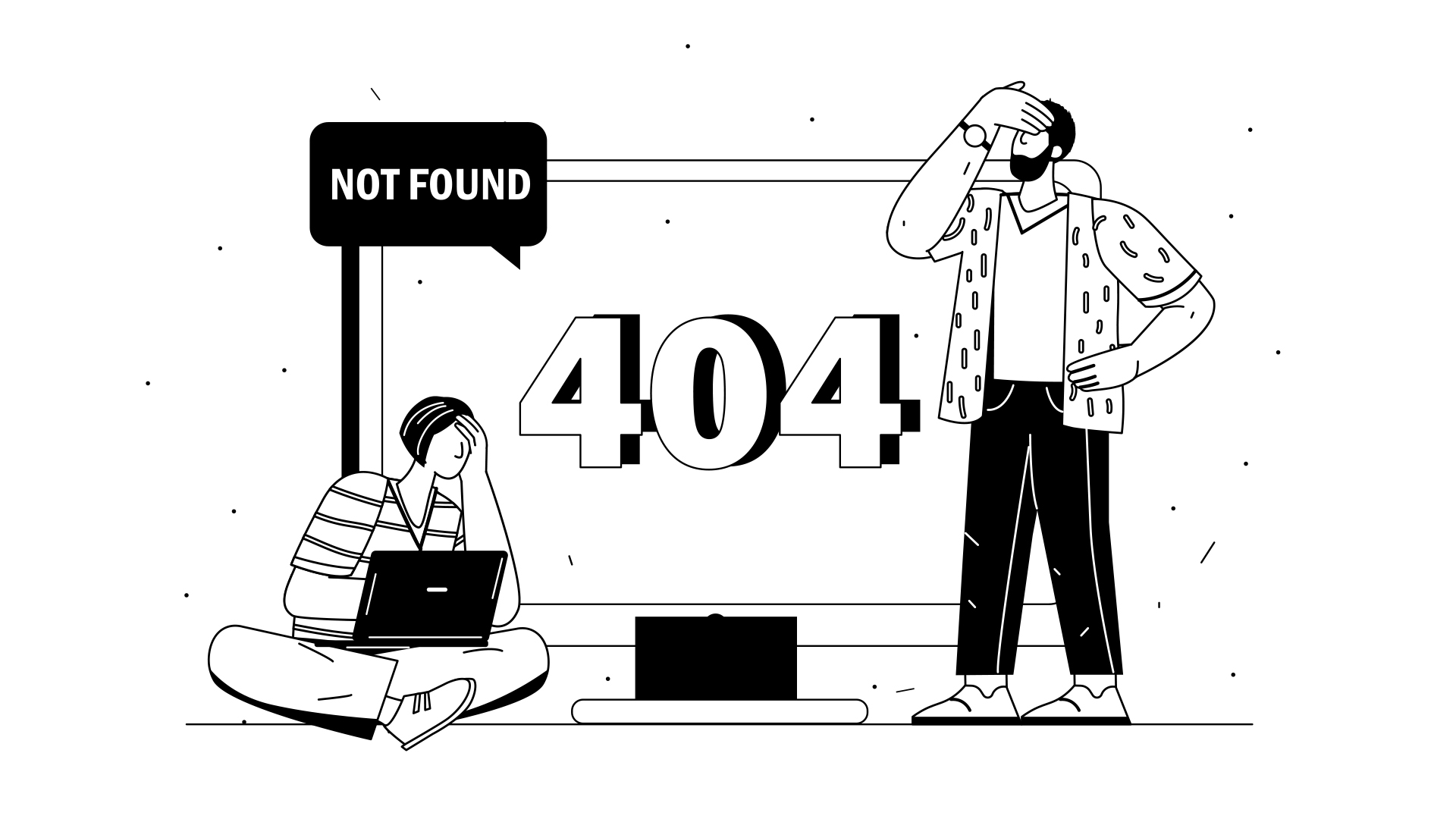
When a server returns an HTTP 404 Not Found response, it simply signals that the requested resource no longer exists at that URL.
Does Google Penalize Sites for 404 Errors?
No. Googlebot encounters a 404 code, understands that the page has been removed, and gradually drops the URL from its search index.
-
No Domain Penalties: Deleting a page or letting a dead URL return a 404 does not trigger a manual action or diminish the ranking potential of your active, healthy pages.
-
No Secret Algorithmic Indexing Jail: Google views 404s as a standard lifecycle event for web pages. Products sell out, promotional campaigns end, and outdated content gets retired.
404 Management Is a Business Decision, Not an SEO Mandate
Reframing 404 management from a technical SEO bug fix to a strategic user experience (UX) and business evaluation changes how webmasters prioritize work.
Instead of automatically setting up blanket redirects, evaluate each dead link through the lens of business value and conversion paths:
-
Does the missing URL carry active referral traffic or external backlinks?
-
Is there an exact or highly equivalent replacement for the user?
-
Will removing the page disrupt the overall customer journey?
Google’s 3-Step Decision Framework for Missing URLs
To keep your website healthy without wasting crawling resources or confusing users, follow Google’s official decision framework:
1. Set Up 1-to-1 Redirects Only When a Relevant Replacement Exists
If an article has been revised at a new URL or a product line has been updated with a newer model, implement a 301 Permanent Redirect to that specific, highly relevant page.
Avoid the Lazy Shortcut: Do not redirect all dead pages to your homepage. Discarding context with mass homepage redirects creates severe user friction, confuses analytics tracking, and can be interpreted by Google as a Soft 404 error.
For comprehensive technical health checks, run a complete site evaluation using our Technical SEO Checklist.
2. Allow Dead Content to Return a 404 or 410 Code
When a product is permanently discontinued, or an event page is no longer relevant, allowing the server to return an HTTP 404 or 410 (Gone) status code is the correct technical decision.
For e-commerce sites, combining proper URL handling with an optimized store structure is vital; explore our Ecommerce SEO Checklist for additional optimization techniques.
3. Design Helpful Custom 404 Experience Pages
While a missing page won’t harm your search engine rankings, landing on a blank browser error screen will cause visitors to leave your site immediately.
Transform broken entry points into engagement opportunities by building a customized 404 error template featuring:
-
A warm, human error explanation
-
A primary site navigation search bar
-
Internal links to popular categories, recent posts, or key landing pages
Key Takeaways for Site Owners
-
Don’t Panic Over GSC Error Counts: 404 reports in Search Console exist for diagnostic visibility, not as an error list that must reach zero.
-
Prioritize User Intent Over Error Clearing: Redirect only when you can satisfy the visitor’s original search intent with an exact alternative.
-
Maintain Regular Site Maintenance: Regularly audit your site architecture using dedicated software. Learn more about selecting the right diagnostic software in our breakdown of the Best SEO Audit Tools.
For further reading on official Webmaster guidelines and HTTP status standards, consult the Google Search Central Documentation.

VIKAS VERMA
Vikas Verma is an SEO specialist and web designer focused on SEO strategy, website design, and digital experiences.
Vikas Verma is an SEO specialist and web designer focused on SEO strategy, website design, and digital experiences.