






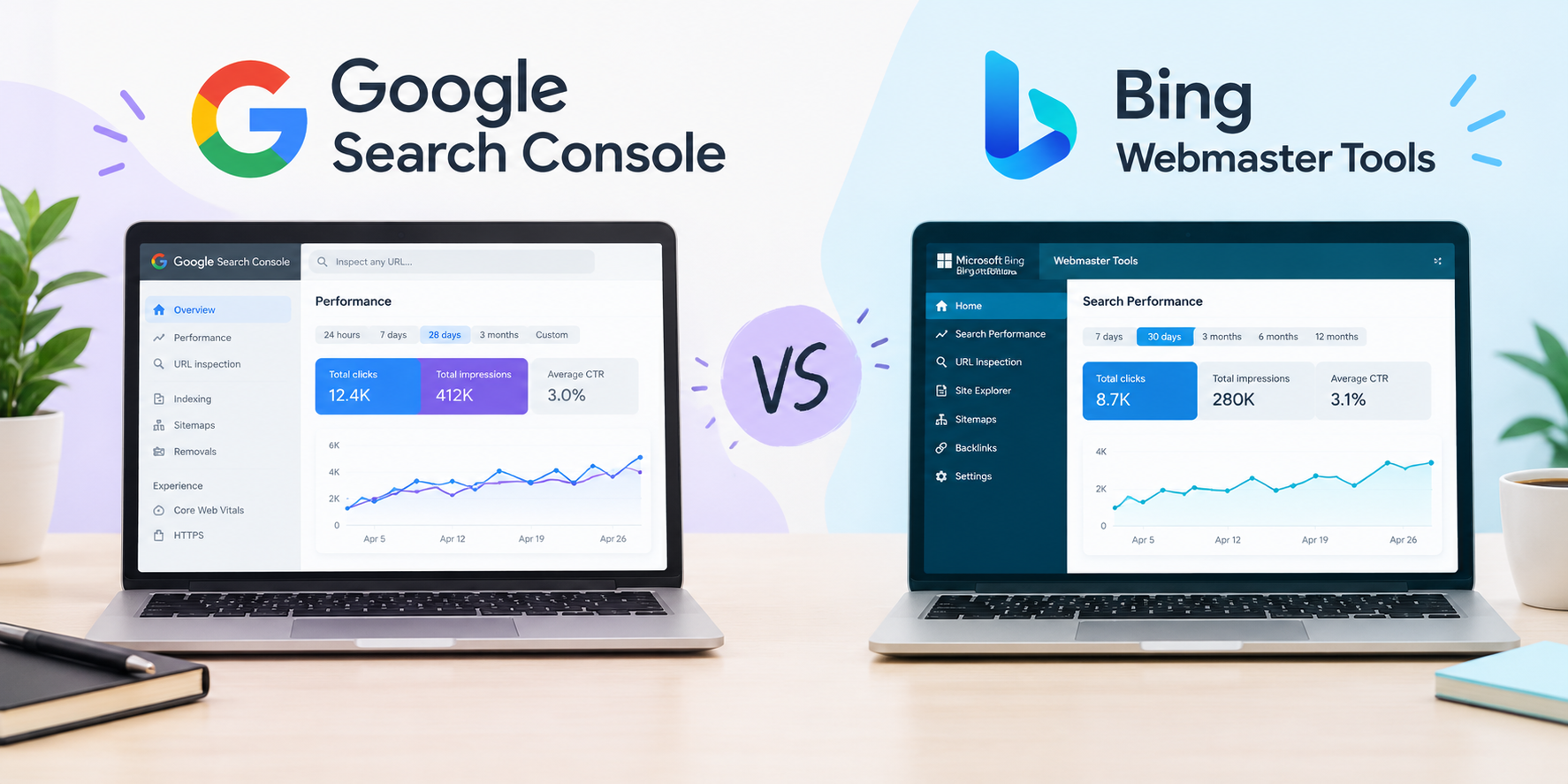
When managing site performance and search engine visibility, webmaster tools serve as the primary bridge between website owners and search engine crawlers.
While Google Search Console (GSC) remains the industry standard due to Google’s search market share, Bing Webmaster Tools (BWT) has developed into a feature-rich suite with built-in diagnostic and research capabilities. Understanding how both tools operate helps webmasters build a more complete search strategy.
1. Core Differences and Platform Overview
| Feature / Metric | Google Search Console (GSC) | Bing Webmaster Tools (BWT) |
| Primary Engines | Google Search, Google Images, Discover, Google News | Bing, Yahoo, DuckDuckGo, Ecosia, Microsoft Copilot |
| Market Coverage | Dominant global mobile and desktop search share | Strong US desktop presence, enterprise networks |
| Interface & Focus | Minimalist; focused on indexing, performance, and Core Web Vitals | Feature-rich dashboard with built-in SEO tools and diagnostics |
| Onboarding | Domain/URL prefix verification (DNS, HTML tag, GA4) | Verification via DNS/HTML or 1-click import from GSC |
-
Google Search Console provides dedicated tracking for Google search queries, impressions, CTR, and technical performance metrics like Core Web Vitals.
-
Bing Webmaster Tools supports Bing and connected search engines. Optimizations made within BWT impact multiple search engines powered by Bing’s index.
To review technical requirements for site health, refer to our Technical SEO Checklist.
2. Key Feature Breakdown
A. Keyword & Competitor Analysis
-
Google Search Console: Displays performance data for search queries that already drive impressions or clicks to your site. It does not include native keyword discovery or competitor comparison tools.
-
Bing Webmaster Tools: Includes a built-in Keyword Research tool that shows search volumes, trends, and related queries. It also features a Backlink Research tool that lets you compare your backlink profile directly with competitors.
B. Technical Audits and Site Scanning
-
Google Search Console: Highlights indexability issues, broken links detected during regular crawls, mobile usability errors, and security issues.
-
Bing Webmaster Tools: Provides an automated Site Scan feature. This tool crawls your website on demand to identify on-page SEO issues, such as missing title tags, missing alt attributes, duplicate meta descriptions, and broken links.
For more information on evaluation platforms, view our breakdown of the Best SEO Audit Tools.
C. Content Submission and Indexing
-
Google Search Console: Relies on XML sitemap submissions and the URL Inspection tool to request manual indexing for individual pages.
-
Bing Webmaster Tools: Supports IndexNow, an open-source protocol that allows websites to notify search engines instantly whenever content is published, updated, or removed.
3. Generative and AI Search Visibility
Search engines continue to integrate generative features into search results. Both platforms offer ways to assess visibility across these surfaces:
-
Google Search Console: Combines performance metrics from standard search and AI-generated overviews into unified Web reporting. Impressions and clicks reflect total traffic coming from Google search surfaces.
-
Bing Webmaster Tools: Provides dedicated metrics to track visibility across Microsoft Copilot and AI experiences, helping site owners analyze how content is cited or referenced in conversational responses.
For detailed strategies on optimizing content for search experiences, see our guide on Generative Engine Optimization (GEO).
4. Side-by-Side Comparison
| Feature | Google Search Console | Bing Webmaster Tools |
| Built-in Keyword Research | Not Available | Included (Native search trends and volumes) |
| Competitor Link Comparison | Not Available | Included (Side-by-side backlink comparison) |
| Automated Site Scans | Basic indexing and CWV reports | Included (Full technical SEO site audit) |
| Instant Indexing Support | Manual URL request | Supported via IndexNow protocol |
| AI Visibility Tracking | Blended in primary search reports | Dedicated Copilot performance reports |
| Historical Data Retention | 16 Months | 16 Months |
5. Strategic Recommendation
Instead of choosing one tool over the other, webmasters benefit from using both simultaneously:
-
Maintain Google Search Console as a Core Priority: GSC is necessary for monitoring organic traffic, indexing status, and search compliance on Google.
-
Leverage Bing Webmaster Tools for Diagnostic Depth: BWT offers free built-in tools—such as site audits, keyword research, and competitor link analysis that complement standard analytics without requiring extra third-party software.
-
Streamline Setup: You can connect Bing Webmaster Tools directly using its Google Search Console import feature, making setup straightforward.
For official documentation, visit the Google Search Central Documentation and the Bing Webmaster Guidelines.

SURBHI THAPA
Surbhi Thapa is an SEO specialist focused on SEO strategy and content optimization.
Surbhi Thapa is an SEO specialist focused on SEO strategy and content optimization.