





Finding broken links, crawl errors, and indexing issues on your site shouldn’t feel like endless detective work for SEO teams.
Without the right audit tool, that is exactly what it becomes hours of manual checks, scattered spreadsheets, and no clear path forward for SEO content optimization, competitor analysis, or informed keyword research.
Running technical audits across hundreds of sites from small local startups to enterprise SaaS platforms reveals clear patterns. Years of campaign work across different industries show which audit tools actually uncover revenue-impacting issues and which ones just generate useless noise.
When taking on a B2C growth campaign, running a deep technical check should always be step one. On a recent audit, flagging critical schema markup errors and mobile usability issues stopped what was silently killing their conversion potential. Fixing those foundational problems set the stage for every piece of content published afterward.
In this guide, we break down the 14 best SEO audit tools for 2026. You will learn which platforms deliver the most comprehensive crawls, which work best for non-technical clients, and which offer the strongest value whether working solo or managing agency clients at scale.
What Evaluates the Best SEO Audit Tools?
Every tool on this list was tested against strict operational criteria:
-
Crawl Depth & Accuracy: Ability to handle complex site architectures, JavaScript rendering, redirect chains, and orphaned URLs.
-
Report Clarity & Actionability: Categorizing issues by true severity so developers and marketers know what to fix first.
-
Technical SEO Coverage: Checking Core Web Vitals, schema validation, sitemap health, and modern indexing protocols.
-
Integration Stack: How well the tool connects with Google Search Console, analytics, and custom reporting tools.
-
Value & Scalability: Pricing flexibility across small business sites versus large-scale client portfolios.
What is an SEO Audit Tool?
An SEO audit tool is specialized software that crawls your website to spot technical errors, on-page weaknesses, and structural bottlenecks. It scans your site similar to how search engine bots do.
It checks for broken links, missing metadata, slow page speeds, crawl blocks, and indexing delays while compiling structured data for ongoing reporting.
These platforms are essential for anyone maintaining web visibility. Many modern audit tools now pair technical crawling with performance tracking, generative search analysis, and workflows supporting long-term strategy like Generative Engine Optimization (GEO).
Without an audit tool, optimizing a site is like driving blind. You can publish great content and build authoritative backlinks, but if technical issues like blocked pages or broken redirects exist, search rankings and user traffic will stall.
What to Look For in an SEO Audit Tool
Separating an average crawler from an enterprise-grade auditing tool comes down to six key capabilities:
-
Crawl Depth & JS Rendering: Catching issues hidden behind dynamic JavaScript, AJAX loading, or complex faceted navigation.
-
Technical Coverage: Comprehensive checks for Core Web Vitals, hreflang tags, canonical conflicts, and robots.txt rules.
-
Issue Prioritization: Clear separation of critical errors from minor notices so dev resources are spent wisely.
-
Automated Scheduling: Setting recurring weekly or monthly crawls to catch unexpected site bugs before rankings drop.
-
Generative & AI Search Readiness: Ensuring the site is accessible not just to Googlebot, but to AI search models as explained in our guide on GEO vs. AEO strategies.
-
White-Label Reporting: Clean, branded PDF exports or live dashboards that turn raw crawl data into executive summaries.
Quick Comparison: Top 14 SEO Audit Tools
| Tool Name | Best For | Key Strengths | Starting Price |
| Screaming Frog | Deep technical audits | Unlimited desktop crawls, XPath extraction, JS rendering | $245/year |
| Semrush Site Audit | All-in-one SEO workflows | 140+ checks, thematic reports, Core Web Vitals | $165.17/month |
| Ahrefs Site Audit | Agency client reporting | Clean health score, backlink integration, link opportunities | $129/month |
| Sitebulb | Visual reports & diagrams | Interactive crawl maps, plain-English hints, audit comparisons | $180/year |
| Lumar (formerly Deepcrawl) | Enterprise site architecture | Cloud-scale crawling, multi-domain monitoring, segmentation | Custom |
| Google Search Console | Essential free baseline | Direct Google indexation data, security alerts, sitemap checks | Free |
| Moz Pro | Small team workflows | Page optimization insights, overall site health, rank tracking | $31/month |
| SE Ranking | Budget-conscious agencies | White-label reporting, page monitor, competitive checks | $52/month |
| Oncrawl | Log file & technical SEO | Log file analysis, data warehouse connections, custom metrics | Custom |
| Raven Tools | Multi-channel reporting | Combined marketing reports, client portals, site crawling | $39/month |
| Serpstat | International SEO audits | Multi-language checks, domain analysis, site audit module | $44/month |
| WooRank | Fast audits & pitch deck demos | Instant scoring, pitch-ready PDF reports, action checklists | $89.99/month |
| Siteliner | Finding duplicate content | Fast internal duplicate checking, broken internal link detection | Free / Paid |
| Whatagraph | Client reporting automation | Cross-channel marketing dashboards, client data integration | ~€699/month |
Deep Dive: The 14 Best SEO Audit Tools
1. Screaming Frog — Best for Deep Technical Audits
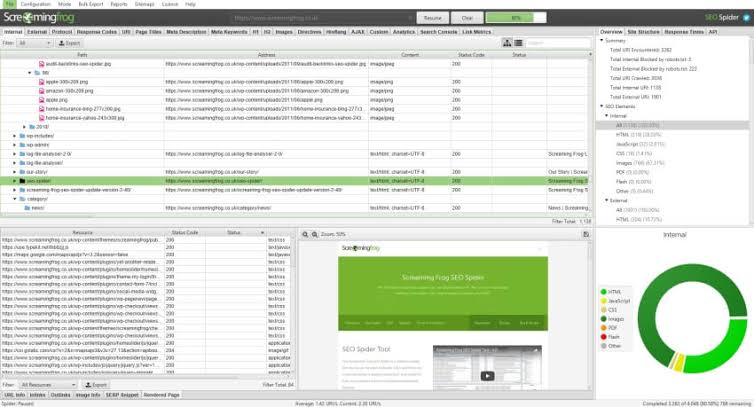
Screaming Frog SEO Spider is the undisputed desktop crawling standard for technical SEO specialists. Unlike cloud tools that charge per page crawled, Screaming Frog runs directly from your local machine or dedicated cloud server, allowing you to crawl hundreds of thousands of URLs without usage caps.
-
Key Capabilities: Custom XPath/Regex data extraction, full Chromium JavaScript rendering, redirect chain mapping, structured data validation, and direct API connections to Google Search Console and PageSpeed Insights.
-
Why Use It: It catches granular technical flaws such as canonical mismatch chains or orphaned pages that higher-level cloud crawlers often skip over. Perfect for site migrations and deep technical troubleshooting alongside a thorough technical SEO checklist.
-
Pros: Unlimited crawling on the paid tier; unmatched extraction flexibility; direct access to raw header responses.
-
Cons: Dense desktop interface with a steep learning curve; requires local hardware resources for huge crawls.
-
Pricing: Free tier (up to 500 URLs); Paid version at $245/year.
-
Official Source: Verified via Screaming Frog Official Documentation.
2. Semrush Site Audit — Best for All-in-One SEO Platforms
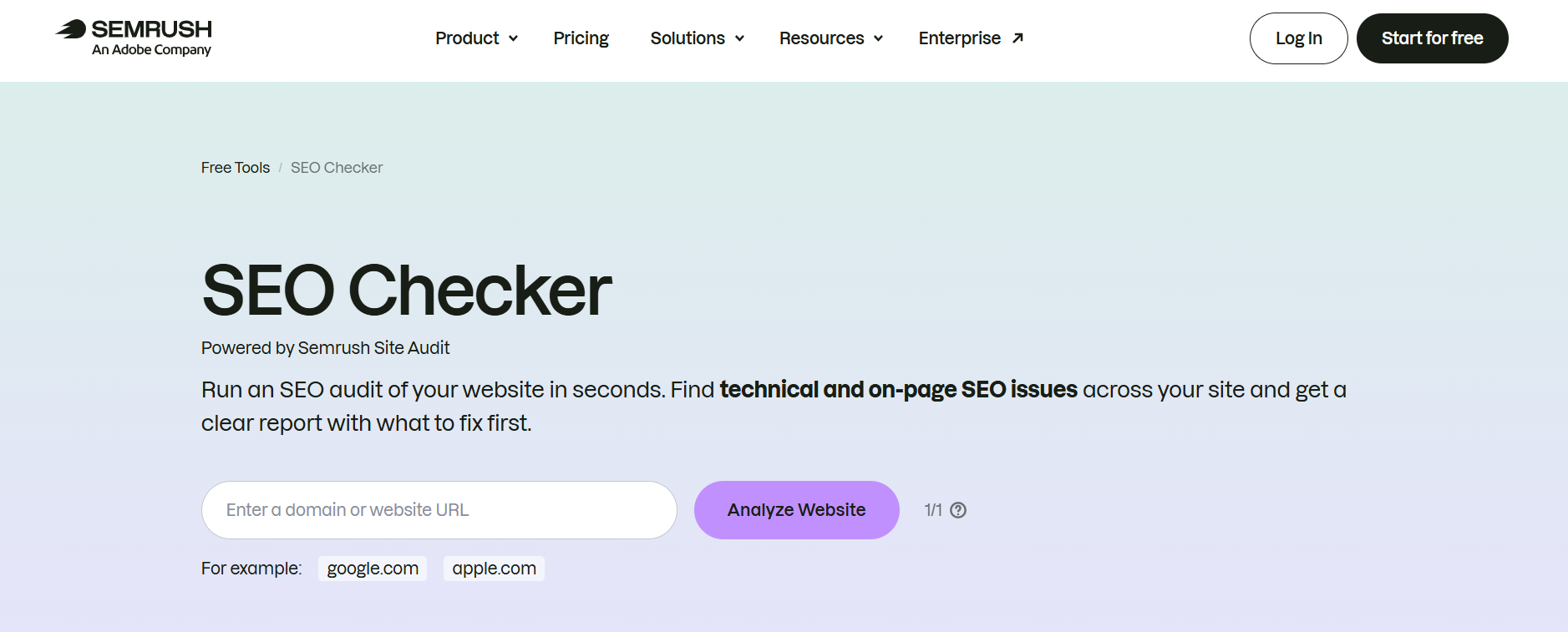
Semrush Site Audit is a cloud-based auditing engine integrated into the broader Semrush ecosystem. It runs over 140 automated checks spanning crawlability, HTTPS security, internationalization, and page speed metrics.
-
Key Capabilities: Core Web Vitals tracking, thematic reporting modules (e.g., Crawlability, Site Performance), auto-scheduled audits with email alerts, and seamless integration with keyword position tracking.
-
Why Use It: It connects technical site health directly to organic traffic and keyword performance, allowing you to quickly verify if an indexation drop aligns with broader search shifts like a recent Google search volatility update.
-
Pros: Exceptionally clear user interface; thematic reports make delegating tasks to developers fast; great automated monitoring.
-
Cons: Monthly crawl budgets on lower-tier accounts can feel restrictive for large agencies.
-
Pricing: Starter plans from $165.17/month.
-
Official Source: Verified via Semrush Site Audit Features.
3. Ahrefs Site Audit — Best for Agency Client Reporting

Ahrefs Site Audit combines cloud-based crawling with Ahrefs’ backlink and organic keyword database. It presents site health through a visual 0–100 Health Score that makes client communication simple and transparent.
-
Key Capabilities: Internal link opportunity finder, visual issue categorization, broken link monitoring, and cross-referencing crawl data with backlink decay.
-
Why Use It: The internal link opportunity tool automatically flags high-authority pages that can pass link equity to under-linked content, making it easier to answer broader strategic questions like do backlinks still matter in SEO.
-
Pros: Extremely fast cloud crawls; intuitive interface that clients understand instantly; excellent internal linking recommendations.
-
Cons: Lacks deep custom extraction and advanced regex tools offered by Screaming Frog.
-
Pricing: Included in Ahrefs plans starting at $129/month.
-
Official Source: Verified via Ahrefs Site Audit Hub.
4. Sitebulb — Best for Visual Audit Reports
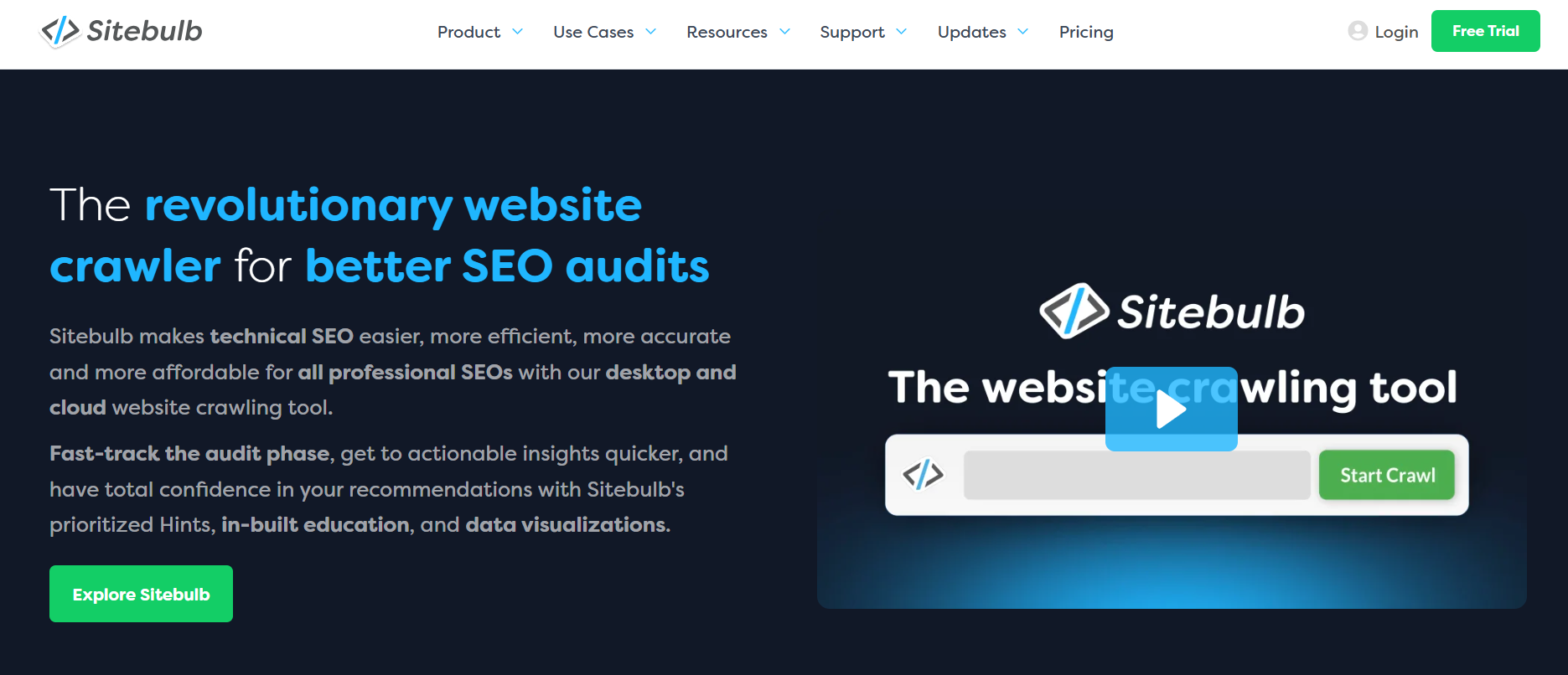
Sitebulb is a desktop auditor built specifically to solve client reporting bottlenecks. Instead of handing non-technical stakeholders massive spreadsheets, Sitebulb translates crawl data into interactive architectural maps, charts, and plain-English recommendations.
-
Key Capabilities: Plain-English “Hints” engine, crawl-versus-crawl comparisons, visual URL structure trees, and audit scoring built for executive decks.
-
Why Use It: Its “Hints” system explains why an issue matters and how to fix it, saving account managers hours of writing explanations for clients or developers.
-
Pros: Outstanding visual representation of complex site structures; brilliant audit comparison tools for showing client progress.
-
Cons: Desktop-based processing requires local system resources.
-
Pricing: Plans start at $180/year.
-
Official Source: Verified via Sitebulb Official Website.
5. Lumar (formerly Deepcrawl) — Best for Enterprise Site Audits
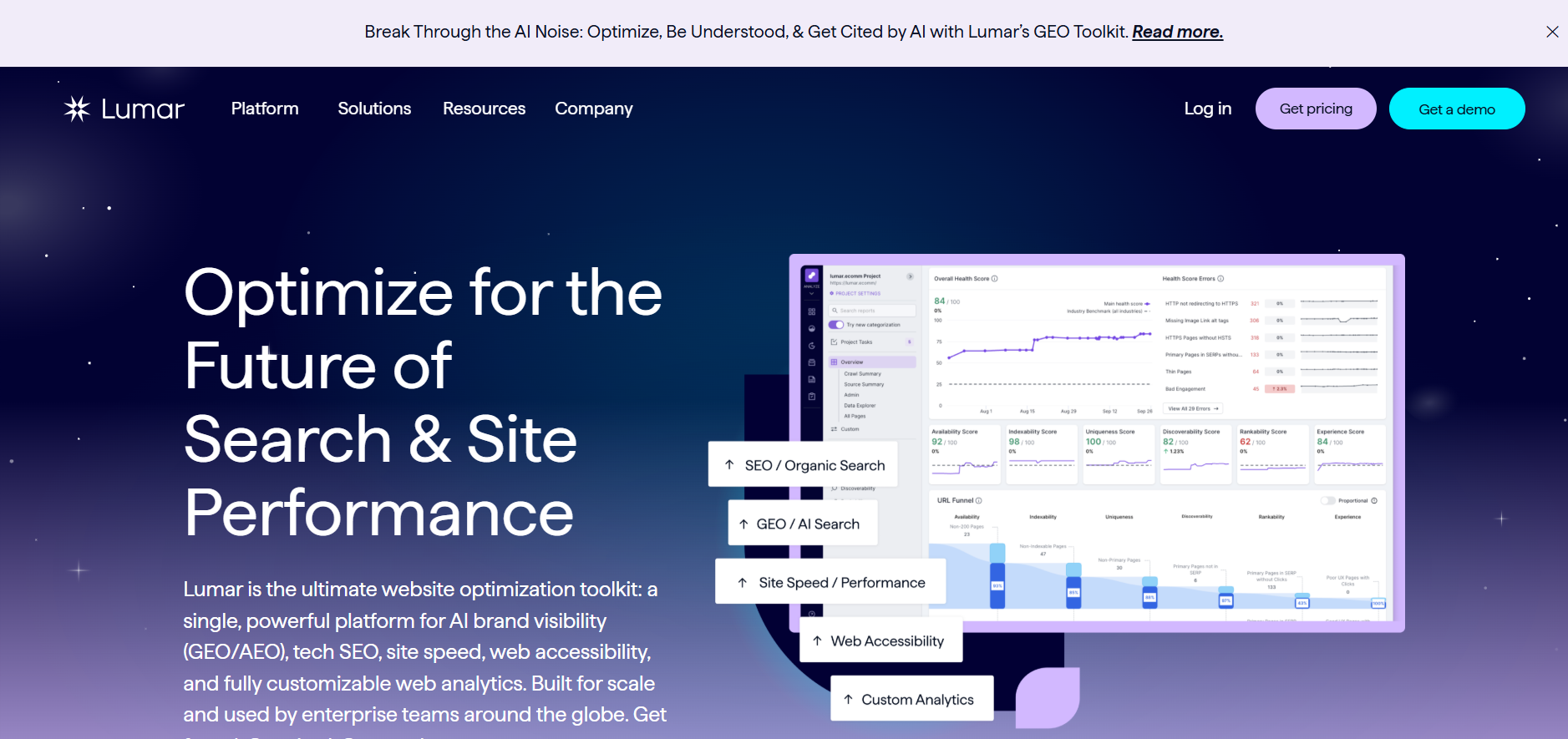
Lumar is built for massive enterprise websites, complex e-commerce catalogs, and multi-domain international brands running millions of pages.
-
Key Capabilities: Cloud-scale concurrent crawling, custom indexation segmentation, CI/CD code pipeline testing, and enterprise traffic analytics integrations.
-
Why Use It: It prevents technical debt by allowing developers to test code changes against technical SEO rules before code is deployed to production.
-
Pros: Unmatched speed and scale for multi-million-page sites; enterprise-grade security and access controls.
-
Cons: Pricing is out of reach for small businesses and boutique agencies.
-
Pricing: Custom enterprise quotes.
-
Official Source: Verified via Lumar Enterprise Platform.
6. Google Search Console — Best Free Baseline Audit Tool

Google Search Console (GSC) is the primary first-party source for site health. While it is not a traditional crawler, it provides direct reporting straight from Googlebot regarding indexation, coverage errors, and mobile usability.
-
Key Capabilities: Index Coverage reports, Core Web Vitals real-user measurement, sitemap submission, manual action alerts, and security issue flags.
-
Why Use It: It is the ultimate source of ground truth for how Google handles your URLs. When diagnosing unexpected indexing delays, GSC is your primary tool especially when reviewing industry patterns like Google Search Console indexing report delays.
-
Pros: 100% free first-party data direct from Google; immediate alerts for penalizations or security breaches.
-
Cons: Does not proactively crawl staging environments or perform on-page content checks.
-
Pricing: Free.
-
Official Source: Verified via Google Search Console Documentation.
7. Moz Pro — Best for Small Team Workflows
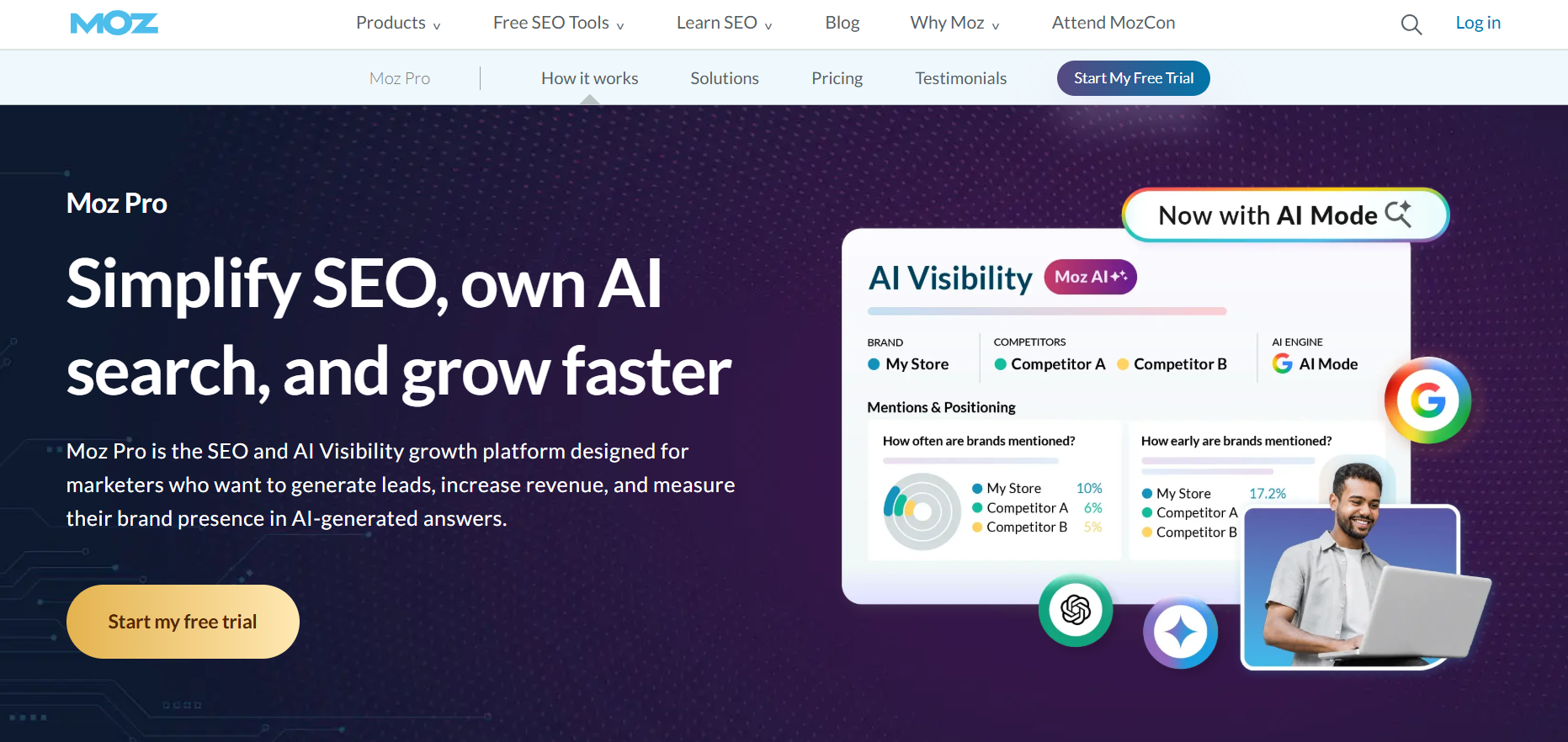
Moz Pro provides an accessible site audit crawler alongside keyword research and rank tracking capabilities. It highlights critical errors while keeping metrics easy to grasp for general marketers.
-
Key Capabilities: Automated site crawling, page optimization recommendations, issue category filters, and Moz Spam Score tracking.
-
Why Use It: Ideal for small teams that want a straightforward tool to keep tabs on overall site health without wading through overly complex technical data.
-
Pros: Gentle learning curve; reliable issue categorization; clean integration with Moz keyword research tools like Ahrefs vs KWFinder vs Moz workflows.
-
Cons: Lower crawl frequency and page caps compared to specialized crawling platforms.
-
Pricing: Plans start at $31/month.
-
Official Source: Verified via Moz Pro Site Crawl.
8. SE Ranking — Best for Budget-Conscious Agencies
SE Ranking delivers robust agency-focused features including customizable white-label audit reports and page-change monitoring at a fraction of the cost of traditional enterprise suites.
-
Key Capabilities: White-label reporting engine, Page Changes Monitor, on-page SEO checker, and scheduled audit delivery.
-
Why Use It: Agencies scaling their client base can generate white-label reports without paying exorbitant add-on fees.
-
Pros: Exceptional value for money; custom branded reporting; includes page-change tracking.
-
Cons: Cloud crawl speed can be slower on massive sites over 100,000 URLs.
-
Pricing: Starts at $52/month.
-
Official Source: Verified via SE Ranking Platform.
9. Oncrawl — Best for Log File Analysis & Data Science
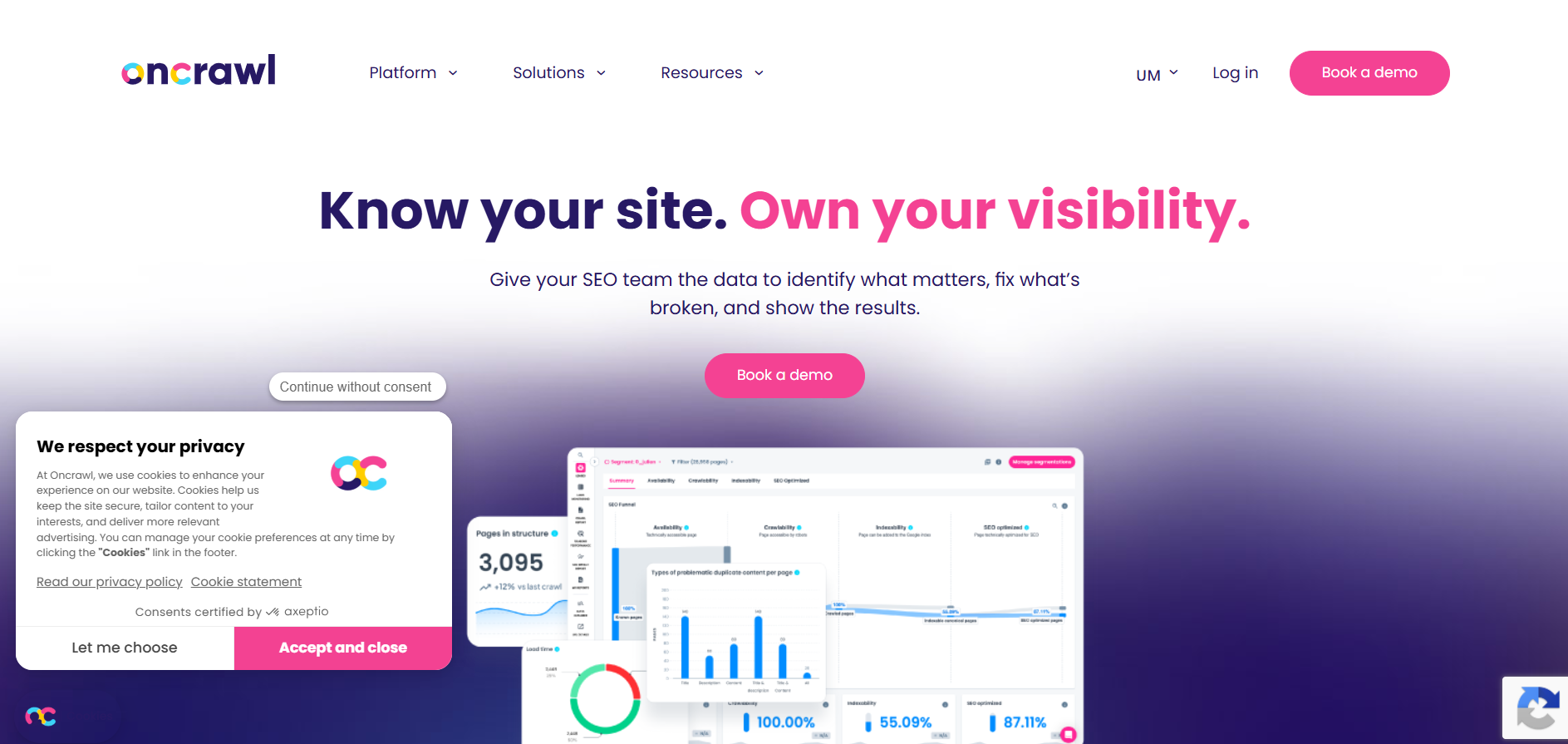
Oncrawl combines traditional site crawling with advanced server log file analysis, allowing technical SEO teams to see exact bot behavior, crawl budget distribution, and data science correlations.
-
Key Capabilities: Server log analyzer, Google Looker Studio integrations, crawl budget optimization, and custom data science algorithms.
-
Why Use It: It reveals the exact gap between what your crawler sees versus how Googlebot spends its crawl budget across server logs.
-
Pros: Industry-leading log file analysis; powerful for enterprise e-commerce platforms with indexation bottlenecks.
-
Cons: Highly technical platform requiring specialized SEO knowledge to extract full value.
-
Pricing: Custom quote-based pricing.
-
Official Source: Verified via Oncrawl Data Platform.
10. Raven Tools — Best for Client Management Platforms
Raven Tools focuses on unifying technical audit data with broader digital marketing reporting, including social media, PPC, and rank tracking modules.
-
Key Capabilities: Integrated marketing reports, automated client portals, drag-and-drop report builders, and white-label PDF generation.
-
Why Use It: Excellent for full-service agencies that want to present technical SEO audits right alongside social and paid campaign metrics.
-
Pros: Comprehensive multi-channel reporting; simple client-facing dashboards.
-
Cons: Crawler lacks advanced JavaScript rendering capabilities found in specialized crawlers.
-
Pricing: Starts at $39/month.
-
Official Source: Verified via Raven Tools.
11. Serpstat — Best for International SEO Audits
Serpstat offers an all-in-one search intelligence suite featuring a site audit engine with strong support for multi-language and international site structures.
-
Key Capabilities: Multi-region tracking, site architecture audits, domain position metrics, and hreflang tag validation.
-
Why Use It: Highly effective when running cross-border campaigns or managing site audits requiring dedicated international SEO strategies.
-
Pros: Multi-market flexibility; solid overall SEO feature set for global websites.
-
Cons: Site audit processing speeds can lag during peak server hours.
-
Pricing: Plans start at $44/month.
-
Official Source: Verified via Serpstat Official Site.
12. WooRank — Best for Quick Client-Facing Reports
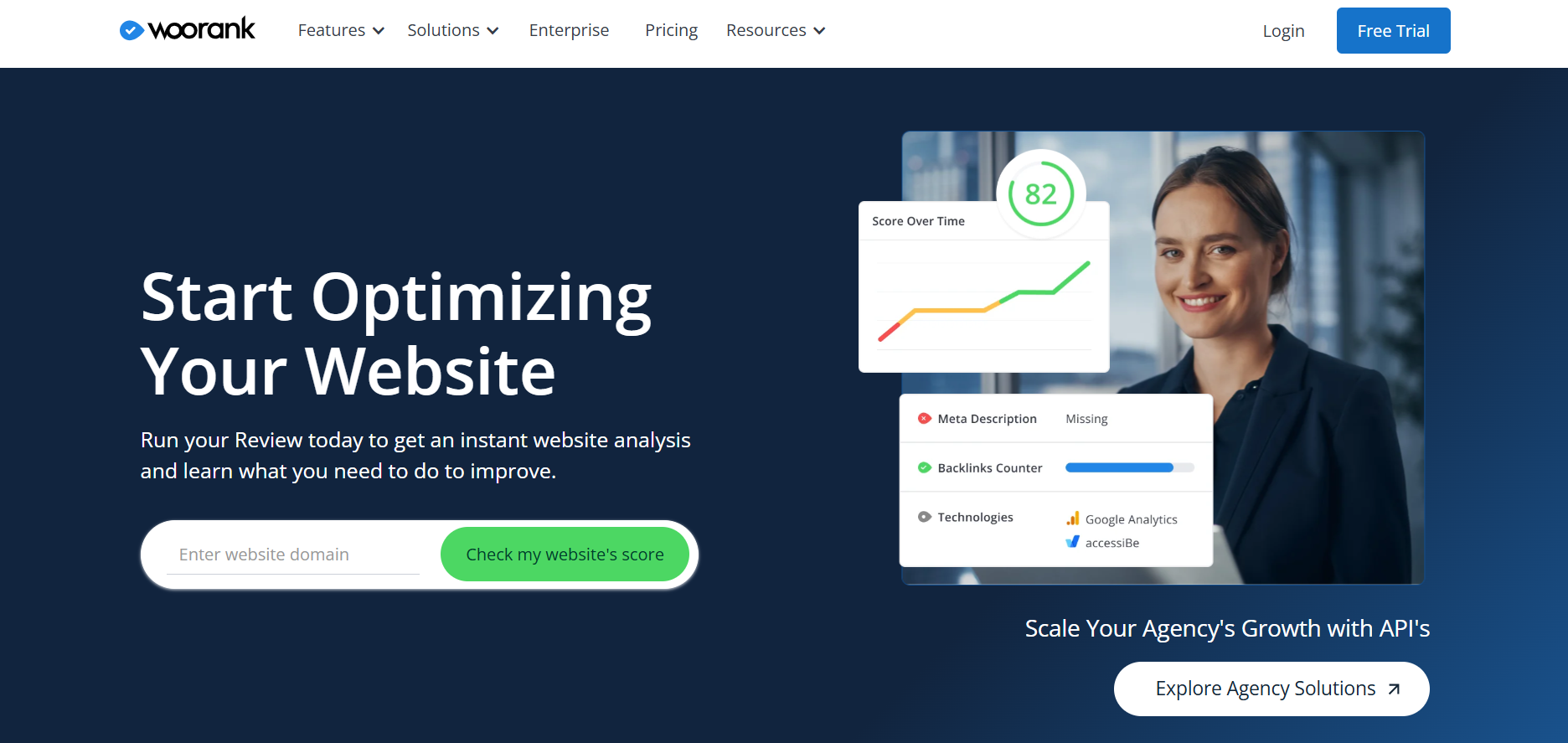
WooRank specializes in instant site analysis and sales lead generation. It generates a single-page audit report scoring technical health, usability, and mobile readiness within seconds.
-
Key Capabilities: Lead generation audit widget, instant digital scorecards, marketing checklists, and white-label PDF downloads.
-
Why Use It: Perfect for agency sales teams needing a rapid audit report to present during initial client discovery or prospect calls.
-
Pros: Fast report generation; high visual appeal for pitch presentations; simple actionable checklists.
-
Cons: Lacks deep crawl depth needed for complex technical troubleshooting.
-
Pricing: Starts at $89.99/month.
-
Official Source: Verified via WooRank Audit Tool.
13. Siteliner — Best for Duplicate Content Checks
Created by the team behind Copyscape, Siteliner is a fast, single-purpose web tool designed to uncover duplicate content, internal broken links, and PageRank distribution issues.
-
Key Capabilities: Internal duplicate content detection, broken link mapping, page power scoring, and XML sitemap analysis.
-
Why Use It: Duplicate content on internal pages can silently dilute rankings. Siteliner highlights identical text blocks across pages faster than broader audit suites.
-
Pros: Fast scan times; pinpoint accuracy for duplicate text blocks; clean free tier.
-
Cons: Single-purpose tool that lacks technical schema or Core Web Vitals checks.
-
Pricing: Free tier available; paid credits for larger site analysis.
-
Official Source: Verified via Siteliner Official Tool.
14. Whatagraph — Best for Cross-Channel Reporting Automation
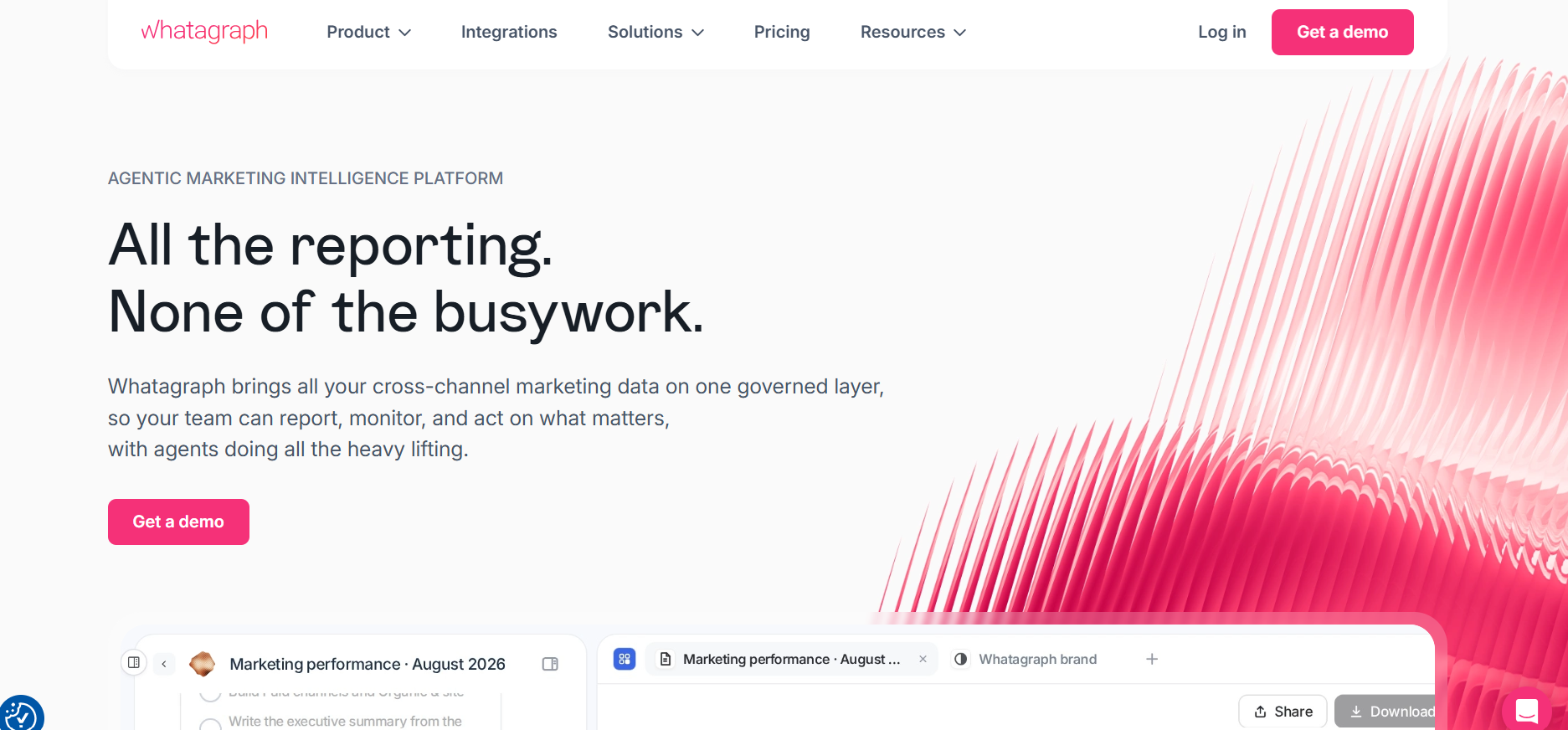
Whatagraph is a marketing reporting platform that aggregates audit data, traffic stats, and performance metrics from multiple tools into clean client reports.
-
Key Capabilities: Multi-source data blends, automated white-label reports, pre-built template libraries, and direct API integrations.
-
Why Use It: While it is not a direct site crawler, it acts as the reporting glue for agencies that need to pull audit results from tools like GSC or Semrush into executive client dashboards.
-
Pros: Saves agency teams hours of manual reporting work; visually polished client dashboards.
-
Cons: Does not perform site crawling on its own.
-
Pricing: Starts around €699/month for agency-level automation.
-
Official Source: Verified via Whatagraph Platform.
Technical Audit Best Practices for 2026
To get the best return on investment from your audit software, follow this operational workflow:
-
Phase 1: Baseline: Connect Google Search Console and run your initial site crawl to map full architecture.
-
Phase 2: Triage: Filter critical errors first, focusing heavily on 5xx server issues, 4xx broken links, unexpected
noindextags, and canonical loops. -
Phase 3: Speed: Validate Core Web Vitals (LCP, CLS, FID) and mobile usability indicators across high-traffic templates.
-
Phase 4: AI & GEO: Audit structured data and JSON-LD schema markup to ensure readiness for AI answer engines and generative search, as outlined in our guide on AI search strategies.
-
Phase 5: Fix & Re-crawl: Push code fixes through your development pipeline and re-crawl the domain to verify that your site health score improves.
-
Fix Critical Blockers First: Prioritize 5xx server errors, 4xx broken links, and accidental
noindexdirectives over minor meta description warnings. -
Audit for AI & Generative Search: Ensure structured JSON-LD schema is valid so search crawlers and AI answer engines can correctly parse your brand data.
-
Keep Internal Links Clean: Eliminate redirect chains (301 → 301 → 200) to preserve crawl budget and speed up page load times.
-
Re-Crawl After Code Changes: Always perform a follow-up crawl to verify that developer updates successfully resolved flagged errors without introducing new bugs.
Final Verdict: Which SEO Audit Tool Should You Choose?
-
Choose Screaming Frog if you require absolute technical precision, XPath customization, and unlimited local crawling.
-
Choose Semrush or Ahrefs if you want an all-in-one suite that links technical audits with keyword research and backlink analysis.
-
Choose Sitebulb if you present technical SEO to clients and need clear, visual site architecture reports.
-
Choose Google Search Console as your required, first-party foundation regardless of which paid tools you select.

VIKAS VERMA
Vikas Verma is an SEO specialist and web designer focused on SEO strategy, website design, and digital experiences.
Vikas Verma is an SEO specialist and web designer focused on SEO strategy, website design, and digital experiences.