








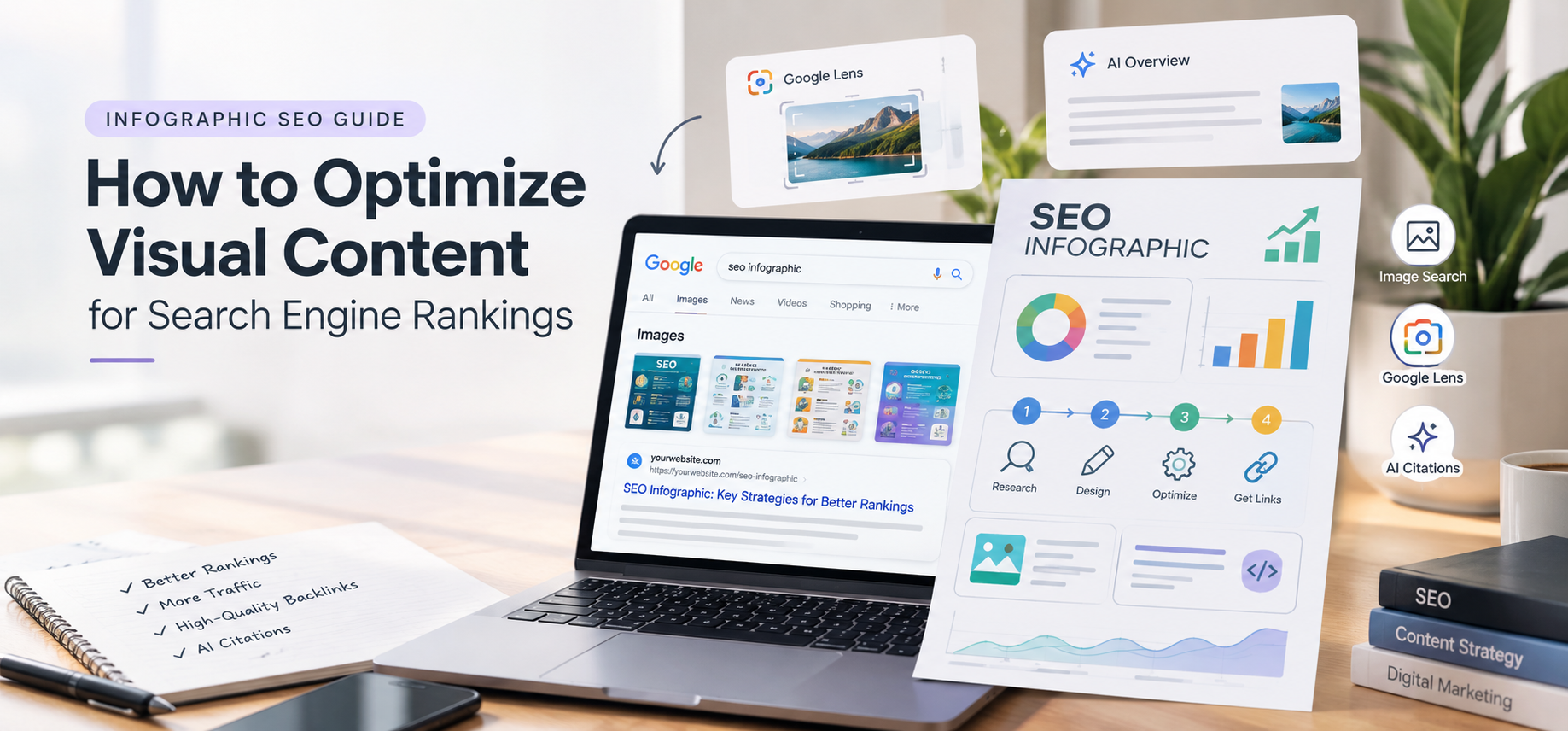
An infographic is a visual summary designed to simplify complex datasets, multi-step workflows, and dense industry statistics. When optimized correctly, infographics serve as a high-performing organic link magnet, driving targeted search engine traffic, improving image search rankings, and earning citations in AI-powered search engines (such as Google AI Overviews, Perplexity, and ChatGPT).
What Is an SEO Infographic?
An SEO infographic combines data visualization with search engine optimization best practices. Rather than acting purely as graphic art, an optimized infographic uses structured layout hierarchy, clear statistics, and targeted keyword concepts to solve specific user search queries visually.
Common formats include:
-
Data & Statistical Breakdowns: Bar graphs, histograms, pie charts, and line graphs.
-
Process & Workflow Guides: Step-by-step how-to diagrams, Gantt charts, and timeline maps.
-
Comparative Analysis: Side-by-side matrices, tree/network diagrams, and direct product feature comparisons.
Benefits of Infographics for Search Engine Optimization
1. Drives High-Authority Backlinks (Link Magnet)
Visual assets are one of the most effective tools for earning natural editorial backlinks. Webmasters and industry bloggers frequently quote data and re-publish infographics to illustrate their own articles. Providing a ready-to-use HTML embed code turns every shared graphic into an automated attribution link back to your domain.
2. Captures Visual SERP Features & Google Lens Traffic
Search discovery extends beyond standard organic web text links. Optimized graphics feature prominently in Google Image blocks, visual search panels, Google Lens queries, and featured snippet carousels.
3. Improves On-Page Dwell Time and Engagement
Visual assets cater to user processing preferences the human brain interprets visual information exponentially faster than raw text. Adding a scannable infographic near the top of a long-form post keeps visitors engaged, reducing bounce rates and signaling strong user experience metrics to search crawlers.
4. Generates AI Engine Citations (AEO & GEO)
Modern LLMs and generative search models use multimodal vision capabilities to parse text and imagery. A well-structured graphic supported by schema markup allows AI engines to extract facts and cite your domain as an authoritative source in generated summaries.
For broader design and audience targeting strategies, review our breakdown of the 12 brand archetypes explained.
Step-by-Step: How to Create and Rank an SEO Infographic
Step 1: Conduct Intent-Driven Topic & Keyword Research
Build visual content around topics that readers want to see visually.
-
Analyze High-Traffic Data: Use keyword research platforms (like BrightEdge Data Cube, Ahrefs, or SEMrush) to identify keywords with informational search intent that lend themselves to charts, statistics, or workflows.
-
Focus on Factual & Statistical Queries: Select topics supported by empirical data, industry benchmarks, or step-by-step processes rather than pure opinion pieces.
-
Audit Existing High-Performing Content: Review your top-performing blog posts and transform their key findings into visual summaries.
To refine keyword selection and competitive mapping, explore our analysis of Ahrefs vs. KWFinder features and pricing.
Step 2: Structure Data with Clear Visual Storytelling
-
Craft a Direct, High-Impact Title: Include your target keyword along with strong modifiers or numbers (e.g., “10 Core Technical SEO Factors for 2026”).
-
Synthesize Copy into Scannable Modules: Avoid dense text paragraphs. Use short callout text, bullet points, concise headings, and visual icons.
-
Attribute Data Sources Explicitly: Cite credible third-party studies or original primary research directly within the footer of the image. This reinforces E-E-A-T (Experience, Expertise, Authoritativeness, and Trustworthiness).
Step 3: Implement Technical Image SEO (File & Page Optimization)
| Technical Parameter | Industry Standard Practice | Example |
| File Format | Next-gen web formats for optimal compression and rapid loading. | WebP or AVIF |
| File Naming | Descriptive, hyphen-separated filenames containing target keywords. | seo-infographic-optimization-guide.webp |
| Alt Text Attributes | Natural contextual descriptions (80–120 characters) explaining visual content. | alt="Infographic illustrating technical SEO image optimization workflow" |
| Dimensions & Scale | Set explicit width and height properties to prevent Cumulative Layout Shift (CLS). | Base width $\ge 1200\text{px}$ compressed under $300\text{KB}$. |
Step 4: Deploy Structured Schema Markup (ImageObject)
Embed structured JSON-LD schema on the hosting page to help search crawlers and AI search systems parse metadata, copyright, and licensing rights:
JSON
{
  "@context": "https://schema.org",
  "@type": "ImageObject",
  "contentUrl": "https://digimastreys.com/wp-content/uploads/seo-infographic-guide.webp",
  "license": "https://digimastreys.com/terms/",
  "acquireLicensePage": "https://digimastreys.com/contact/",
  "creditText": "Digimastreys",
  "creator": {
    "@type": "Organization",
    "name": "Digimastreys"
  },
  "description": "Visual guide outlining step-by-step image SEO, alt tag strategies, and file optimization workflows."
}
Aligning media markup with structured schemas ensures content is indexed effectively across emerging search paradigms. For further insights on optimizing for generative AI models, explore our guide on Generative Engine Optimization (GEO) and our framework comparing GEO vs AIO vs SEO.
Step 5: Build Comprehensive Supporting On-Page Copy
An infographic should complement written content, not replace it entirely.
-
Long-Form Context: Publish 1,000 to 2,000+ words of detailed, surrounding text explaining the insights shown in the graphic.
-
Optimized Header Structure: Incorporate relevant
<h1>and<h2>tags near the visual asset (e.g.,"Technical Workflow [Infographic]"). -
Embed Syndication Tools: Add a shareable HTML textarea box containing an embed code so other webmasters can syndicate the visual with an automated attribution link back to your original source page.
To evaluate how media backlinks support domain authority, read our comprehensive analysis on do backlinks still matter for SEO, and check our technical SEO checklist for crawling and structural updates.

VIKAS VERMA
Vikas Verma is an SEO specialist and web designer focused on SEO strategy, website design, and digital experiences.
Vikas Verma is an SEO specialist and web designer focused on SEO strategy, website design, and digital experiences.