





Quick Summary
-
Start with Free Tools: Set up Google Search Console and Google Analytics 4 first. They show exact data for your own website that no paid software can copy.
-
When to Buy Paid Tools: Spend money on tools like Ahrefs or Semrush only when you need to track competitors, check daily keyword ranks across cities, or scan thousands of pages automatically.
-
Tool Pricing (2027): Entry plans for paid suites start around $129/month (Ahrefs Lite) to $139/month (Semrush SEO/Pro). Technical crawlers like Screaming Frog cost £199/$279 per year.
-
AI Search Changes: Tracking traditional Google positions is not enough anymore. You also need to track visibility in AI Overviews, ChatGPT, and Perplexity.
1. What Are SEO Tools and How Do They Work?
SEO tools answer three main questions for any website owner:
-
What search terms are people typing to find your business?
-
Where does your website rank in search results?
-
What tech errors are stopping search engines from indexing your pages?
Different tools collect data in different ways. Knowing where the data comes from helps you understand why two tools might show slightly different numbers:
-
Direct Engine Data (Your Site Only): Tools like Google Search Console get data straight from Google. They show real clicks, impressions, and average ranks for pages you own. This data is accurate, but it will not show you anything about your competitors.
-
Crawled Web Databases (Competitor Insights): Tools like Ahrefs and Semrush scan the web themselves to estimate search volumes, link profiles, and traffic. These figures are estimates, but they allow you to check any website on the internet.
-
Site Crawlers (Technical Audits): Programs like Screaming Frog run directly on your computer or cloud server. They check your website link by link to find 404 broken pages, slow redirects, duplicate titles, and missing tags.
Simple Rule: For your own domain, rely on Search Console first. For competitor research and finding new content ideas, use third-party tools like Ahrefs or Semrush.
2. 7 Essential Free SEO Tools (And What They Do Best)
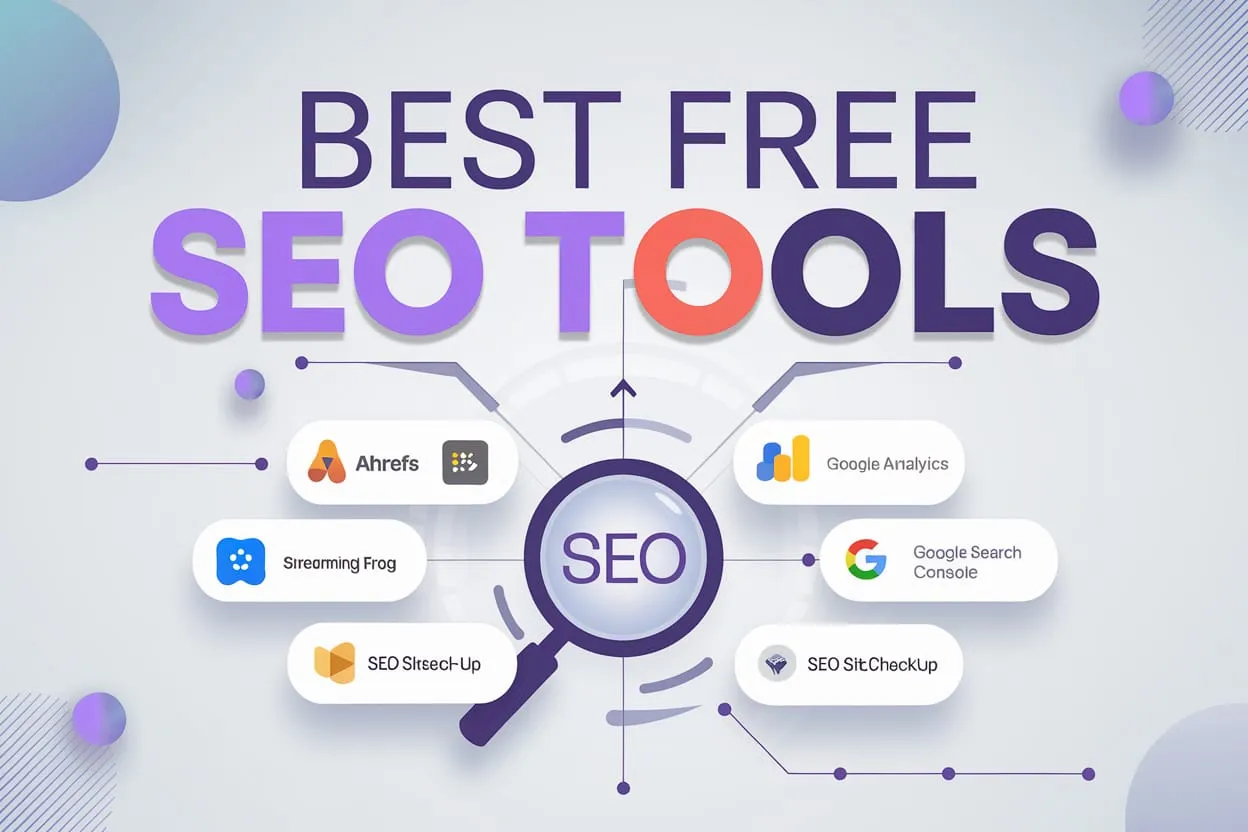
Set up these free tools before buying any paid software:
-
Google Search Console (GSC): Shows real search impressions, clicks, indexing health, sitemaps, and page load issues.
-
Google Analytics 4 (GA4): Connects your search traffic to user actions on your site, helping you see which pages drive sales or leads.
-
PageSpeed Insights & Lighthouse: Checks your website speed on mobile and desktop while highlighting elements that slow down loading times.
-
Bing Webmaster Tools: Shows search performance on Bing, offers site scanning tools, and lets you submit URLs fast via IndexNow. Read our full comparison of Google Search Console vs Bing Webmaster Tools.
-
Screaming Frog SEO Spider (Free Version): Scans up to 500 URLs per run to find basic technical errors.
-
Google Keyword Planner: Gives search volume estimates and new keyword ideas directly inside Google Ads.
-
Google Trends: Tracks rising or falling interest in topics over time and across different regions.
3. 7 Leading Paid SEO Tools (Features & Pricing)
If your business needs competitor data, daily rank updates, or complex technical crawls, these paid options lead the market:
1. Ahrefs (Best for Link Building & Keyword Research)
-
Main Features: Excellent backlink database, clean Site Explorer, and deep Keyword Explorer.
-
Pricing (Monthly): Lite costs $129/mo, Standard costs $249/mo, Advanced costs $449/mo, and Enterprise starts at $1,499/mo.
-
Best Used For: Competitor link analysis, checking domain authority, and finding content gaps. Read our guides on Ahrefs vs Semrush and Ahrefs vs KWFinder.
2. Semrush (Best All-in-One Marketing Suite)
-
Main Features: Combines organic SEO data, paid PPC insights, content writing tools, and AI Search Tracking.
-
Pricing (Monthly): The SEO plan starts at $139/mo, Pro+ costs $299/mo, alongside custom enterprise options.
-
Best Used For: Digital agencies and teams that run Google Ads alongside regular organic search work. See our head-to-head comparison of Ahrefs vs SpyFu vs Semrush.
3. Screaming Frog SEO Spider (Paid Version)
-
Main Features: Removes the 500-page crawl limit, lets you schedule automatic scans, and connects to Search Console and GA4 data.
-
Pricing: £199 / $279 per year per license.
-
Best Used For: Technical SEO managers and web developers auditing large blogs, news sites, or e-commerce stores.
4. KWFinder by Mangools
-
Main Features: Clean and simple dashboard built for finding low-competition keywords.
-
Pricing: Entry plans range from $29 to $49/mo.
-
Best Used For: Bloggers and solo content creators who want a clean keyword tool without high monthly fees.
5. Ubersuggest
-
Main Features: Straightforward keyword ideas, basic site audits, and rank tracking.
-
Pricing: Starts at $29/mo with a one-time lifetime buying option.
-
Best Used For: Small business owners needing basic paid features on a strict budget.
6. Moz Pro
-
Main Features: Created the Domain Authority metric, offering reliable site crawl tools and page optimization advice.
-
Pricing: Plans start at $99/mo.
-
Best Used For: Teams tracking domain authority scores and doing straightforward on-page checks.
7. SpyFu
-
Main Features: Detailed history of competitor search ads, ad copies, and organic ranking history.
-
Pricing: Plans start at $39/mo.
-
Best Used For: Businesses wanting to see what keywords competitors bid on in paid Google Ads.
4. Free vs Paid SEO Tools: Side-by-Side Comparison
| Feature | Free SEO Tools (GSC, GA4, PSI) | Paid SEO Suites (Ahrefs, Semrush, etc.) |
| Data Accuracy (Your Site) | High (Direct Search Engine Data) | Estimated (Modeled Data) |
| Competitor Research | No | Yes (Full Keyword, Link & PPC Data) |
| Technical Audits | Basic Checks | Deep Scans & Custom Extractions |
| Rank Tracking | Average Position (16 Months) | Daily / Weekly Positions by City |
| AI Search Visibility | Limited Native Data | Dedicated GEO & AI Overview Tracking |
| Best For | Beginners & Small Sites | Scaling Businesses & Agencies |
5. How to Match SEO Tools to Your Business Size
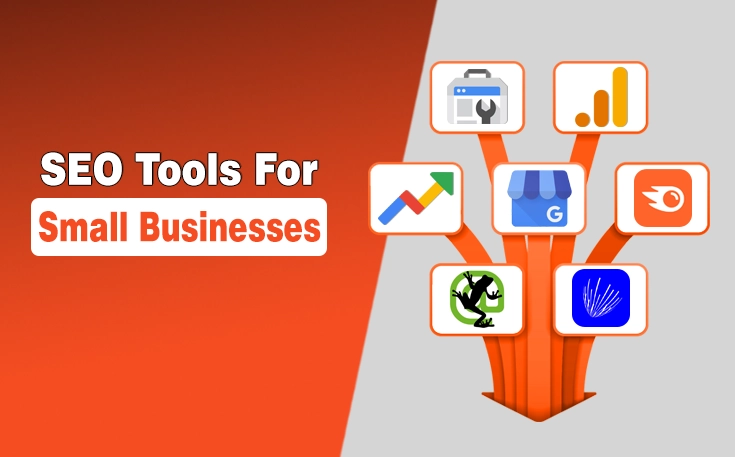
Do not buy expensive tools if your team does not have time to use them every week. Match your software to your current workflow:
-
Small Business (<500 Pages): Stick to GSC, GA4, PageSpeed Insights, and the free edition of Screaming Frog.
-
Growing Company / Startup: Use all free tools plus one entry-level paid plan (Ahrefs Lite or Semrush SEO) to study competitors.
-
Large Site / Agency: Use mid-tier paid suites, a paid Screaming Frog license, and custom reporting setups.
For step-by-step optimization guidance, check our Technical SEO Checklist and our guide on AI Content and On-Page SEO.
6. Modern AI SEO & GEO Tools (Next-Gen Search)
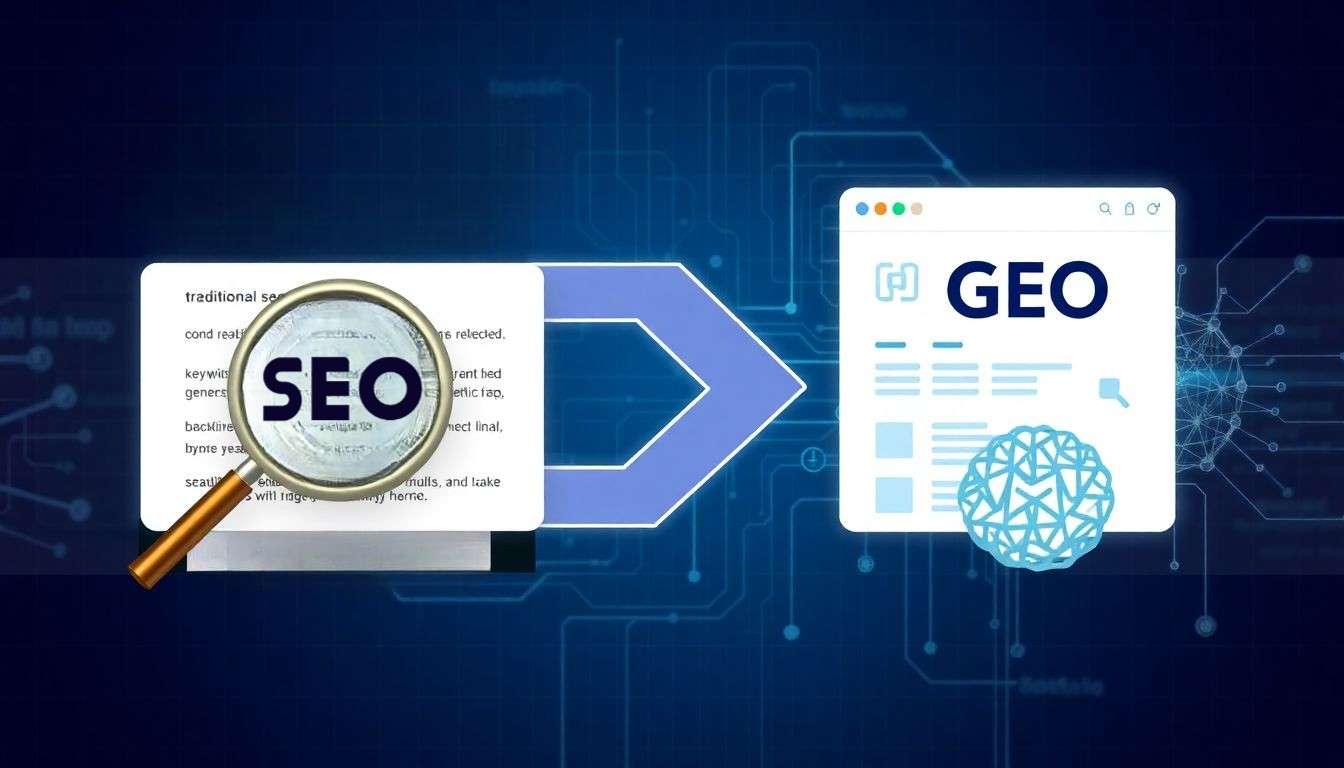
Search has moved beyond plain lists of links. Users now get quick answers directly through AI Overviews, ChatGPT, Gemini, and Perplexity. To track and improve your website’s visibility in these AI systems, modern AI SEO tools focus on Generative Engine Optimization (GEO).
Here are the main jobs AI SEO tools handle:
-
AI Visibility Tracking: Tools like Semrush AI Visibility Toolkit, Ahrefs Brand Radar, and Mentionova track how often AI search engines cite your brand or link to your website.
-
Content Optimization & Editor Assist: Platforms like Surfer SEO and Frase analyze top-ranking pages and suggest exact topics, headings, and terms to include so both search algorithms and AI models understand your content.
-
Automated Page Fixes: Specialized AI tools help generate schema markup, rewrite weak meta descriptions, and build clean internal link structures without manual work.
Key Takeaway: Traditional rank tracking shows where your link sits on a search page. AI SEO tools show whether an AI engine recommends your brand when a user asks a full question.
7. Common Mistakes to Avoid
-
Chasing Vendor Scores: Ratings like “Domain Rating” or “Site Health” are made up by tool companies. Search engines do not use them to rank your website. Focus on real clicks and conversions.
-
Fixing Minor Audit Notices: Tool reports often list hundreds of small warnings. Fix big issues first—like unindexed landing pages or broken links before worrying about tiny details.
-
Paying for Overlapping Tools: Subscribing to Ahrefs and Semrush at the same time usually wastes money for smaller teams.
-
Buying Tools Nobody Opens: Buying software without assigning someone to check reports weekly leads to wasted monthly subscriptions.
Frequently Asked Questions (FAQ)
Are free SEO tools enough for a small business site?
Yes. For smaller sites under a few hundred pages, Google Search Console, Google Analytics 4, PageSpeed Insights, and the free edition of Screaming Frog handle almost all core tasks.
Should I choose Ahrefs or Semrush?
Both are great platforms. Pick Ahrefs if you want deep link analysis and keyword exploration. Pick Semrush if you want an all-in-one dashboard that covers SEO, PPC ads, and content writing.
Will buying an SEO tool increase my Google rankings?
No. Tools only show you data and technical issues. Your rankings improve only when you use that data to improve page content, fix code errors, and make your site better for users.
Summary & Action Steps
The best SEO tools are the ones your team actually uses to fix issues on your website:
-
Set up basic tools: Configure Google Search Console and GA4 to track your current performance.
-
Scan for technical errors: Use Screaming Frog to find broken pages and indexing problems.
-
Upgrade when ready: Buy a paid suite like Ahrefs or Semrush only when you need competitor research and daily rank tracking.
To learn more about technical site checks, check out our guide on the Best SEO Audit Tools or read our strategic guide on B2B Keyword Research.

SURBHI THAPA
Surbhi Thapa is an SEO specialist focused on SEO strategy and content optimization.
Surbhi Thapa is an SEO specialist focused on SEO strategy and content optimization.